Free Medieval Village Tileset and Buildings
Assemble a compact village from six ground images, ten buildings, and a set of outdoor details. The selection emphasizes stone, timber, planted areas, and simple street furniture. Houses and work buildings share a small pixel treatment, while their native canvas sizes differ to accommodate roofs, towers, and wider facades.
35 recursos · PNG · CC0 · Animación: estático
Native canvas ranges: width 12–64 px; height 14–64 px.
Descarga · ZIP · 0.18 MiB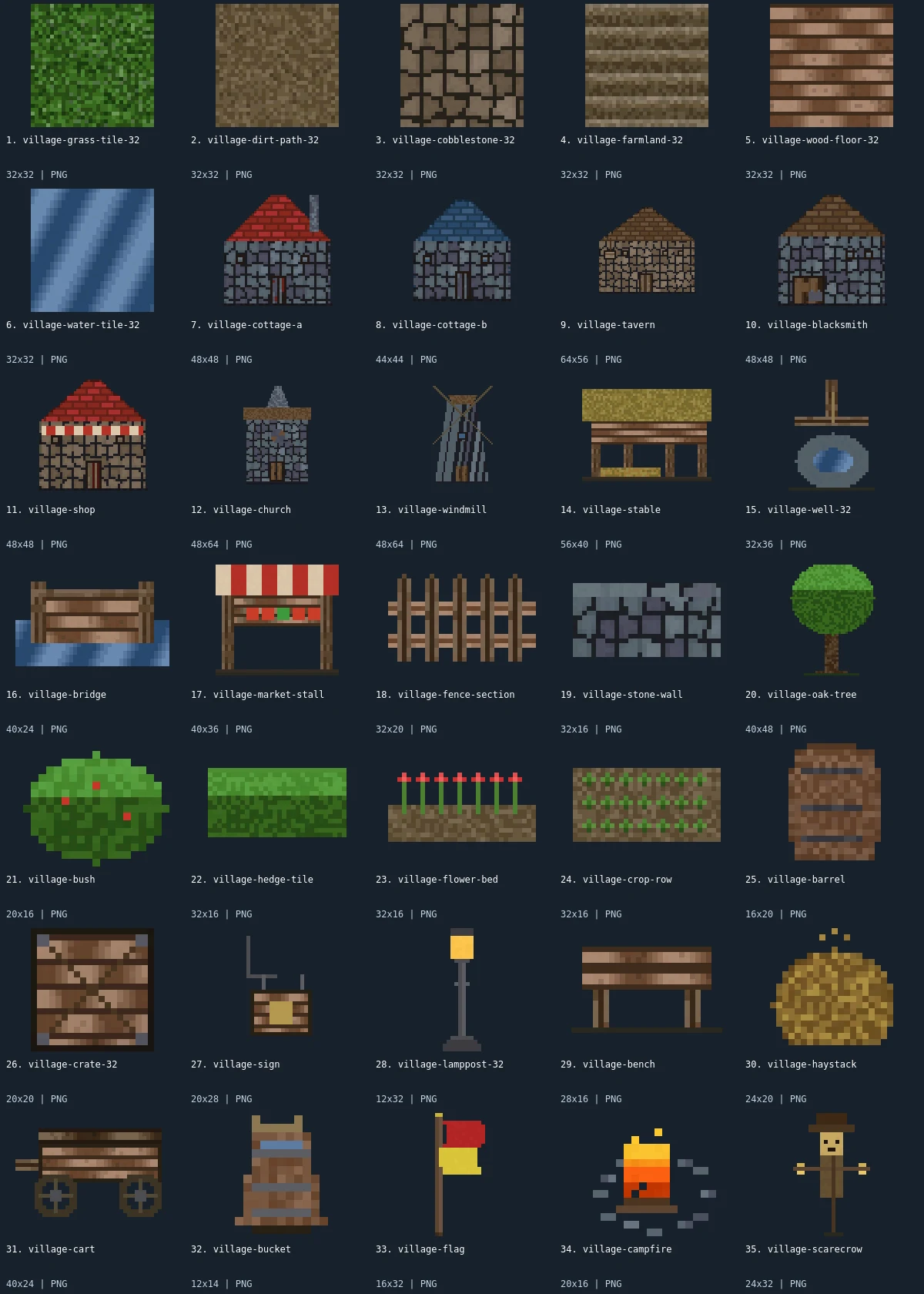
Native-size examples
These examples display at one CSS pixel per source pixel. The labeled sheet above enlarges the small artwork with integer scaling.

What is included
This pack contains 35 assets: 6 tilesets, 10 buildings, 12 environment, 6 items, 1 furniture. There are 22 distinct native canvas sizes. The complete size histogram appears below and in manifest.json. All downloads in the archive are PNG; the WebP preview is a labeled visual index, not an asset atlas.
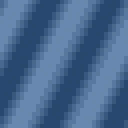
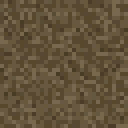
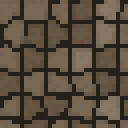
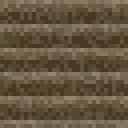
The ground files cover grass, dirt path, cobblestone, farmland, wooden floor, and water. Two cottages offer different roof colors and dimensions. A tavern, blacksmith, shop, church, windmill, stable, well, and market stall extend the settlement beyond housing. The bridge, fence, stone wall, oak, bush, hedge strip, flower bed, crop row, lamppost, haystack, campfire, and scarecrow are grouped as environment pieces. A barrel, crate, sign, cart, bucket, and flag are item images; the bench is the furniture member.
Use cobblestone for a center around the well and connect cottages with dirt paths or grass margins. Place the wider tavern or stable at the edge of an open area so its roof does not crowd the smaller houses. A market stall and cart can indicate a trade corner without needing an interior. Farmland and crop rows are separate images: place crops above the chosen ground layer and adjust spacing visually. The wooden floor is a texture option, not proof that building interiors or roof removal layers are included.
- tilesets
- 6
- buildings
- 10
- environment
- 12
- items
- 6
- furniture
- 1
Native sizes: 32x32: 6; 48x48: 3; 44x44: 1; 64x56: 1; 48x64: 2; 56x40: 1; 32x36: 1; 40x24: 2; 40x36: 1; 32x20: 1; 32x16: 4; 40x48: 1; 20x16: 2; 16x20: 1; 20x20: 1; 20x28: 1; 12x32: 1; 28x16: 1; 24x20: 1; 12x14: 1; 16x32: 1; 24x32: 1. Source formats: pixel-json. Verified animated assets: 0.
26 images have fully transparent pixels; 0 have partially transparent pixels. PNG exports preserve measured source geometry and alpha.
Assembly and limitations
The 32×32 ground images can establish an initial map cell, while buildings should remain individual objects. The tavern is 64×56, one cottage is 44×44, and the church and windmill are 48×64. Those bounds are not multiples of a universal grid. Align foundations manually and define collision at ground level rather than around every roof pixel. The fence and hedge pieces may need custom end caps when joined into long runs; no connection metadata is shipped.
This revision has no human villagers, dialogue portraits, walk cycles, or interior furnishing set. The windmill is a single still image; its blades are not separate animated parts. The campfire is static too. The two cottages are retained because roof color and facade size offer distinct placement options. The existing village demo can illustrate composition, but the manifest is the authoritative download inventory. Review any texture seams and draw order in your own scene before building a large map, and keep a separate layer for signs and other narrow foreground props.
CC0 declaration
Each member record declares CC0. Under CC0, attribution is not required and commercial use and modification are allowed; retaining the included notice helps document where these files came from. This summarizes the catalog’s declaration, not an independent rights audit or a warranty about trademarks, publicity rights, or third-party material. README.md and LICENSE.txt accompany the image files.
CC0 summary and legal instrumentImport notes
Godot 4: import PNGs as textures and assign them to Sprite2D nodes. Choose Nearest filtering on CanvasItem for pixel art. Configure origins and placement for each file.
Godot image import documentationUnity: import each PNG as Sprite (2D and UI), with Sprite Mode Single. Use Point filtering for pixel art. Choose pixels per unit for your scene; the preview is not a sheet to slice.
Unity sprite import documentationGameMaker: import each unrelated image into its own sprite and set origins consistently. Disable texture interpolation for crisp pixel art. Multiple images in one sprite become subimages; this collection supplies no animation sequence.
GameMaker sprite documentationRecursos individuales (35)
- 1. Village Grass32×32 · PNG
 2. Dirt Path32×32 · PNG
 3. Cobblestone Road32×32 · PNG
 4. Farmland32×32 · PNG
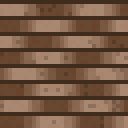 5. Wooden Floor32×32 · PNG
- 6. Water32×32 · PNG
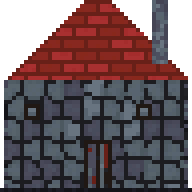 7. Stone Cottage A48×48 · PNG
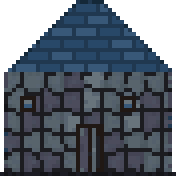 8. Stone Cottage B44×44 · PNG
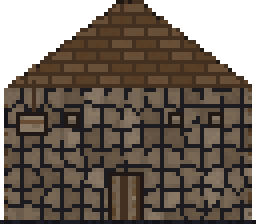 9. Village Tavern64×56 · PNG
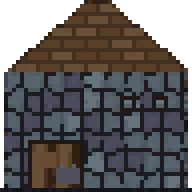 10. Blacksmith48×48 · PNG
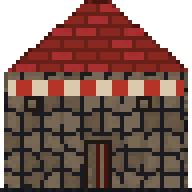 11. Village Shop48×48 · PNG
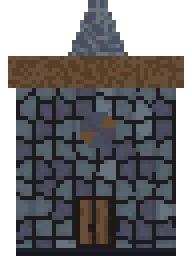 12. Village Church48×64 · PNG
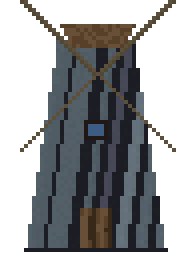 13. Windmill48×64 · PNG
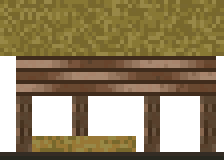 14. Stable56×40 · PNG
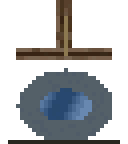 15. Village Well32×36 · PNG
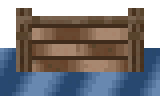 16. Wooden Bridge40×24 · PNG
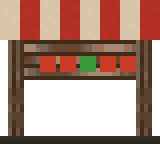 17. Market Stall40×36 · PNG
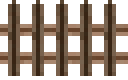 18. Wooden Fence32×20 · PNG
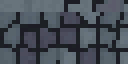 19. Stone Wall32×16 · PNG
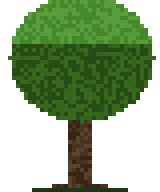 20. Oak Tree40×48 · PNG
 21. Bush20×16 · PNG
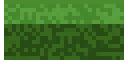 22. Hedge32×16 · PNG
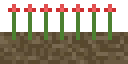 23. Flower Bed32×16 · PNG
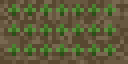 24. Garden Crops32×16 · PNG
 25. Barrel16×20 · PNG
 26. Wooden Crate20×20 · PNG
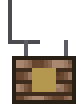 27. Tavern Sign20×28 · PNG
 28. Lamp Post12×32 · PNG
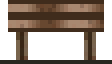 29. Wooden Bench28×16 · PNG
 30. Haystack24×20 · PNG
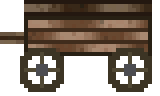 31. Wooden Cart40×24 · PNG
 32. Water Bucket12×14 · PNG
 33. Village Flag16×32 · PNG
 34. Campfire20×16 · PNG
- 35. Scarecrow24×32 · PNG