Free Dungeon Tileset and Props
Build a small stone dungeon from five 32×32 floor textures, doorway pieces, storage props, and cave details. This selection keeps the darker stone and iron artwork together instead of mixing it with the larger illustrated dungeon assets. The rat and bat are small static decorations or enemy images; they contain no animation sequence.
30 recursos · PNG · CC0 · Animación: estático
Native canvas ranges: width 8–40 px; height 10–48 px.
Descarga · ZIP · 0.13 MiB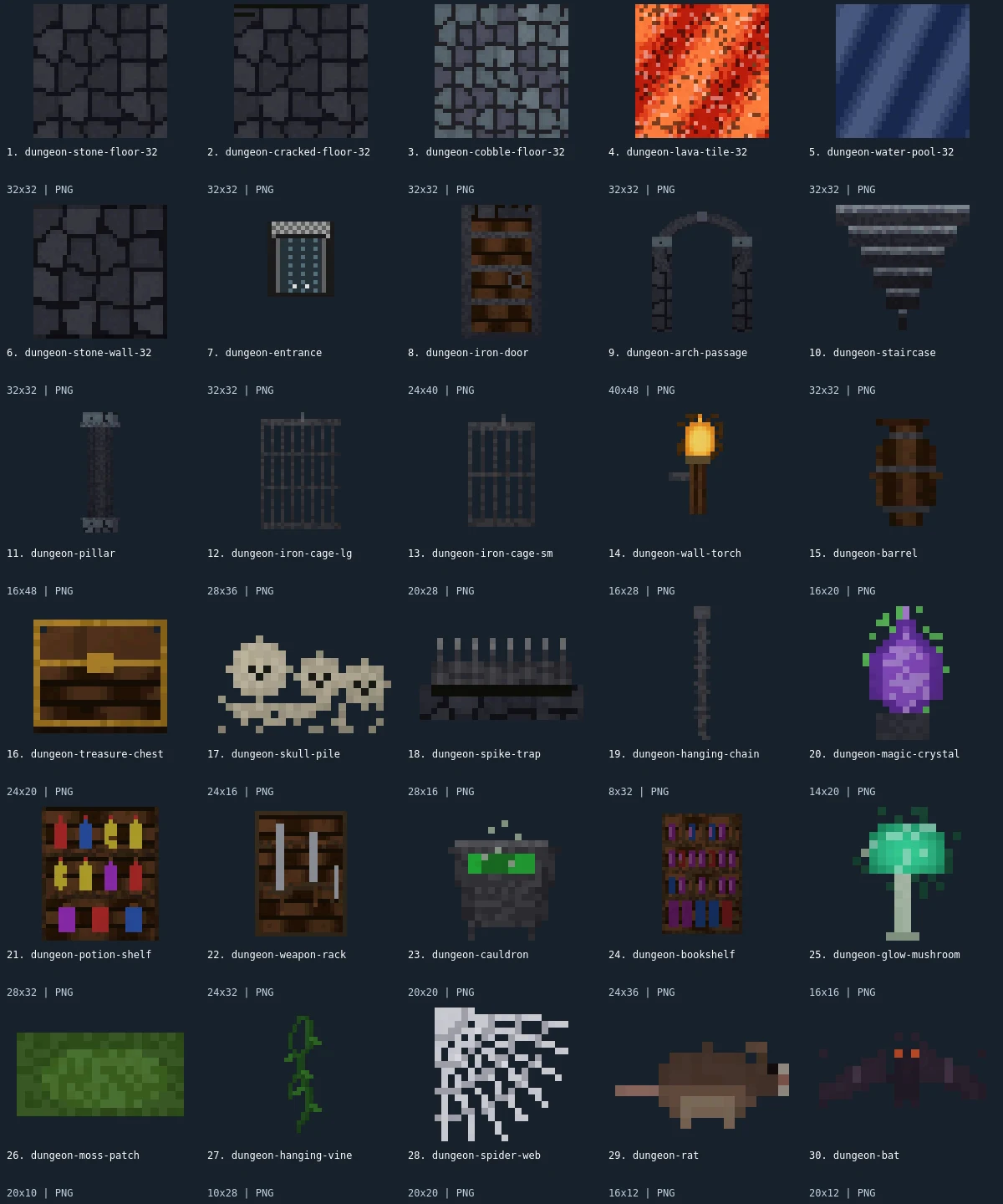
Native-size examples
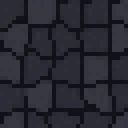
These examples display at one CSS pixel per source pixel. The labeled sheet above enlarges the small artwork with integer scaling.

What is included
This pack contains 30 assets: 5 tilesets, 6 buildings, 13 items, 4 environment, 2 enemies. There are 22 distinct native canvas sizes. The complete size histogram appears below and in manifest.json. All downloads in the archive are PNG; the WebP preview is a labeled visual index, not an asset atlas.
The floor choices are stone, cracked stone, cobblestone, lava, and water. Stone walls, an iron entrance, an iron door, an arch passage, stairs, and a pillar supply the architectural vocabulary. The two cages have visibly different sizes; the barrel, treasure chest, skull pile, and spike trap can occupy floor space without requiring a separate furniture collection. A potion shelf, weapon rack, cauldron, and bookshelf let you suggest storage or a work area. The hanging chain, crystal, mushroom, moss, vine, and web add accents around otherwise repetitive masonry.
Start with a floor texture and place the wall pieces above it in your scene. Use the arch or iron door as a focal entrance, then reserve open floor around the chest or trap so the silhouette remains readable. The bookshelf and rack are taller than a floor cell, so place them as separate objects rather than slicing them into tiles. The lava and water images are square texture patches; no connected shoreline or corner rules are supplied. Inspect repeated edges in your own map before treating any texture as seamless.
- tilesets
- 5
- buildings
- 6
- items
- 13
- environment
- 4
- enemies
- 2
Native sizes: 32x32: 8; 24x40: 1; 40x48: 1; 16x48: 1; 28x36: 1; 20x28: 1; 16x28: 1; 16x20: 1; 24x20: 1; 24x16: 1; 28x16: 1; 8x32: 1; 14x20: 1; 28x32: 1; 24x32: 1; 20x20: 2; 24x36: 1; 16x16: 1; 20x10: 1; 10x28: 1; 16x12: 1; 20x12: 1. Source formats: pixel-json. Verified animated assets: 0.
20 images have fully transparent pixels; 0 have partially transparent pixels. PNG exports preserve measured source geometry and alpha.
Assembly and limitations
The pack deliberately combines 32px floor cells with narrower and taller props. Match object baselines manually: the pillar is 16×48, the arch is 40×48, and the hanging chain is 8×32. Their canvases describe image bounds, not collision footprints. Keep walls and freestanding props on different draw layers where necessary. There is no exported navigation mesh, collision setup, autotile configuration, lighting shader, or engine scene.
All members in this revision are static. The torch image depicts a flame but contains no flicker frames; the rat and bat have no walk or flight cycles. The older demo remains available as a visual example, but its contents do not define this ZIP. Use the labeled preview to identify files and the exact member grid to follow individual source pages. The moss and vines offer green contrast against the dark floor; add them sparingly if you need traps or pickups to remain prominent.
CC0 declaration
Each member record declares CC0. Under CC0, attribution is not required and commercial use and modification are allowed; retaining the included notice helps document where these files came from. This summarizes the catalog’s declaration, not an independent rights audit or a warranty about trademarks, publicity rights, or third-party material. README.md and LICENSE.txt accompany the image files.
CC0 summary and legal instrumentImport notes
Godot 4: import PNGs as textures and assign them to Sprite2D nodes. Choose Nearest filtering on CanvasItem for pixel art. Configure origins and placement for each file.
Godot image import documentationUnity: import each PNG as Sprite (2D and UI), with Sprite Mode Single. Use Point filtering for pixel art. Choose pixels per unit for your scene; the preview is not a sheet to slice.
Unity sprite import documentationGameMaker: import each unrelated image into its own sprite and set origins consistently. Disable texture interpolation for crisp pixel art. Multiple images in one sprite become subimages; this collection supplies no animation sequence.
GameMaker sprite documentationRecursos individuales (30)
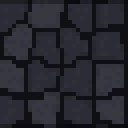
- 1. Dungeon Stone Floor32×32 · PNG
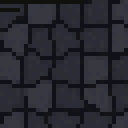 2. Cracked Dungeon Floor32×32 · PNG
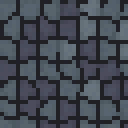 3. Dungeon Cobblestone32×32 · PNG
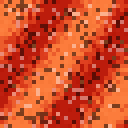 4. Lava Tile32×32 · PNG
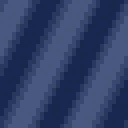 5. Dark Water Pool32×32 · PNG
- 6. Dungeon Stone Wall32×32 · PNG
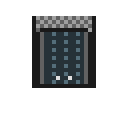 7. Dungeon Entrance32×32 · PNG
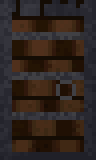 8. Iron Door24×40 · PNG
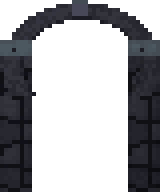 9. Stone Archway40×48 · PNG
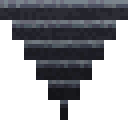 10. Dungeon Staircase32×32 · PNG
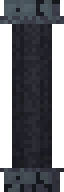 11. Stone Pillar16×48 · PNG
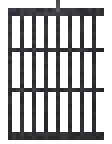 12. Large Iron Cage28×36 · PNG
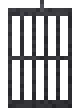 13. Small Iron Cage20×28 · PNG
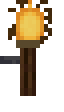 14. Wall Torch16×28 · PNG
 15. Wooden Barrel16×20 · PNG
 16. Treasure Chest24×20 · PNG
 17. Skull Pile24×16 · PNG
 18. Spike Trap28×16 · PNG
 19. Hanging Chain8×32 · PNG
 20. Magic Crystal14×20 · PNG
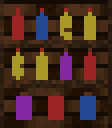 21. Potion Shelf28×32 · PNG
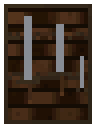 22. Weapon Rack24×32 · PNG
 23. Bubbling Cauldron20×20 · PNG
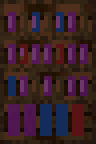 24. Dungeon Bookshelf24×36 · PNG
 25. Glow Mushroom16×16 · PNG
 26. Moss Patch20×10 · PNG
 27. Hanging Vine10×28 · PNG
 28. Spider Web20×20 · PNG
 29. Dungeon Rat16×12 · PNG
- 30. Dungeon Bat20×12 · PNG