Free RPG Character Sprites: 40 Pixel Art Heroes
Choose from forty static, full-body fantasy character images with 256×256 source canvases. The selection covers armored fighters, robed magic users, and adventurers while excluding catalog records whose actual files show only equipment. These are standing character designs rather than a complete animated party or a set of dialogue head portraits.
40 recursos · PNG · CC0 · Animación: estático
Native canvas ranges: width 256–256 px; height 256–256 px.
Descarga · ZIP · 2.45 MiB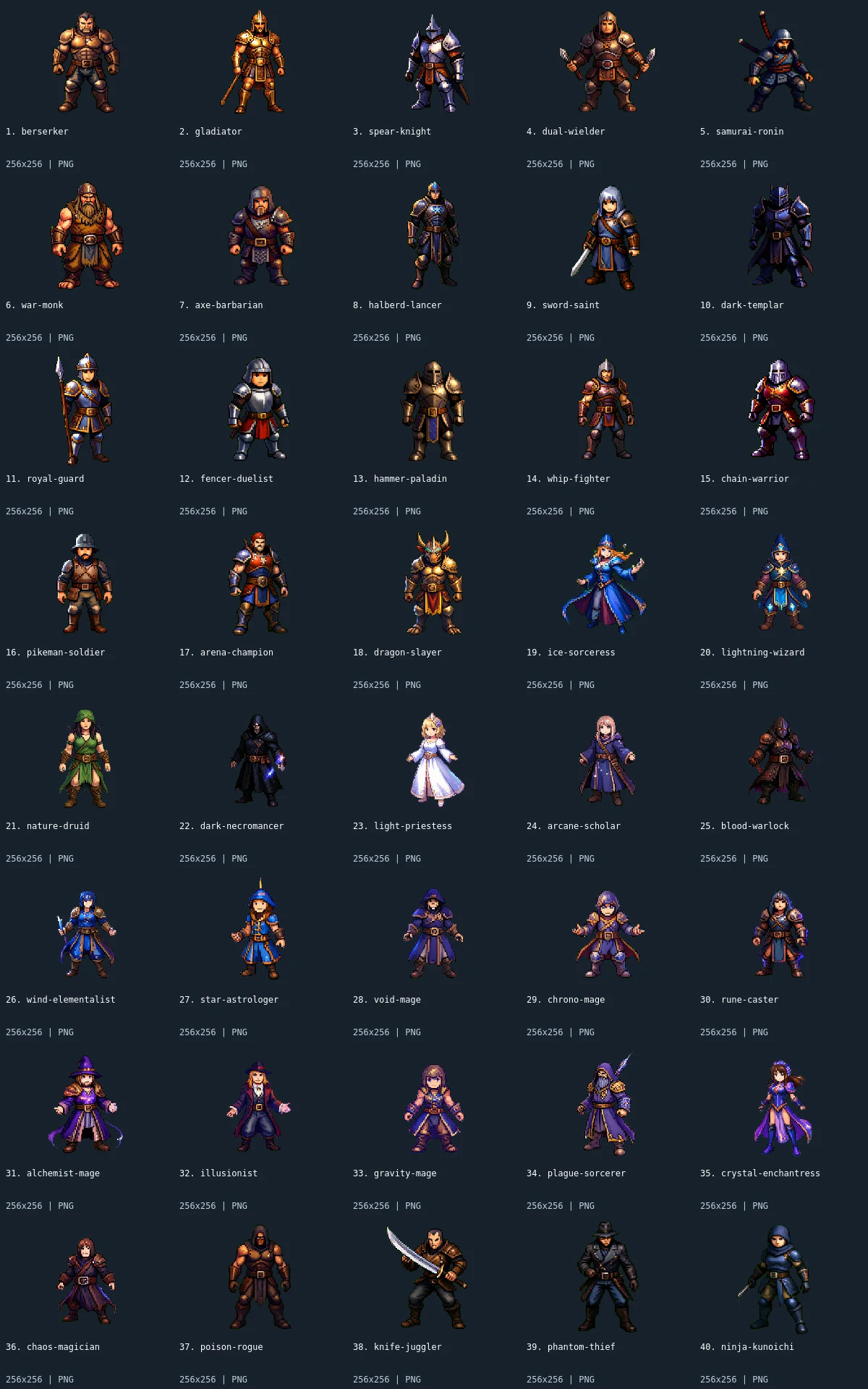
What is included
This pack contains 40 character sprites. Every image is 256×256. All downloads in the archive are PNG; the WebP preview is a labeled visual index, not an asset atlas.
The fighter group includes the berserker, gladiator, spear knight, dual wielder, samurai ronin, war monk, axe barbarian, halberd lancer, sword saint, dark templar, royal guard, fencer, hammer paladin, whip fighter, chain warrior, pikeman, arena champion, and dragon slayer. Magic users include ice sorceress, lightning wizard, nature druid, necromancer, priestess, scholar, warlock, wind elementalist, astrologer, void mage, chrono mage, rune caster, alchemist, illusionist, gravity mage, plague sorcerer, enchantress, and chaos magician. Poison rogue, knife juggler, phantom thief, and ninja round out the selection.
Use the images to establish a roster, compare costume silhouettes, or build a static character selection screen. Their common canvas gives you a consistent initial import rectangle, but visible head height, body width, and stance differ. Align a baseline using the feet instead of assuming all subjects occupy identical bounds. Armor and robes offer contrasting silhouettes; group characters by intended screen role rather than relying on the filenames to define statistics, faction, or abilities.
- characters
- 40
Native sizes: 256x256: 40. Source formats: png. Verified animated assets: 0.
40 images have fully transparent pixels; 40 have partially transparent pixels. PNG exports preserve measured source geometry and alpha.
Assembly and limitations
The source images contain a detailed pixel-styled treatment with more shading than the small procedural terrain packs. Do not assume they share a 32px gameplay scale with dungeon or forest props. Begin at the source size, then assess any reduction in your target view: thin weapons and face details can become difficult to read. The equal 256×256 dimensions describe canvases, not a fixed body size, collision box, or uniform pixels-per-unit value.
Every file is a single static pose. There are no attack cycles, walk sheets, directional variants, equipment layers, skeletons, or rigging. Crop a dialogue portrait yourself if needed and preserve the original downloaded file as a reference. The shield-only and crossed-weapon records were excluded after visual inspection because they were not standing characters. Some clothing silhouettes and rendering details differ, so inspect the labeled preview before selecting a subset for one game. The archive contains native PNGs and metadata, with no engine project or character controller.
CC0 declaration
Each member record declares CC0. Under CC0, attribution is not required and commercial use and modification are allowed; retaining the included notice helps document where these files came from. This summarizes the catalog’s declaration, not an independent rights audit or a warranty about trademarks, publicity rights, or third-party material. README.md and LICENSE.txt accompany the image files.
CC0 summary and legal instrumentImport notes
Godot 4: import PNGs as textures and assign them to Sprite2D nodes. Choose Nearest filtering on CanvasItem for pixel art. Configure origins and placement for each file.
Godot image import documentationUnity: import each PNG as Sprite (2D and UI), with Sprite Mode Single. Use Point filtering for pixel art. Choose pixels per unit for your scene; the preview is not a sheet to slice.
Unity sprite import documentationGameMaker: import each unrelated image into its own sprite and set origins consistently. Disable texture interpolation for crisp pixel art. Multiple images in one sprite become subimages; this collection supplies no animation sequence.
GameMaker sprite documentationRecursos individuales (40)
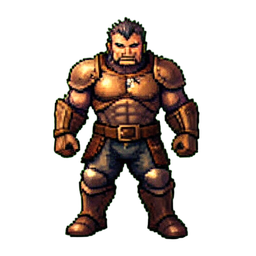 1. Berserker256×256 · PNG
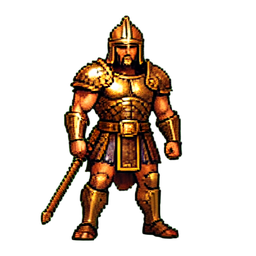 2. Gladiator256×256 · PNG
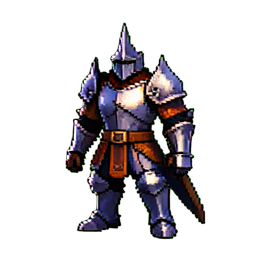 3. Spear Knight256×256 · PNG
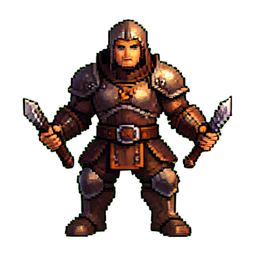 4. Dual Wielder256×256 · PNG
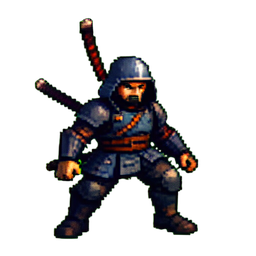 5. Samurai Ronin256×256 · PNG
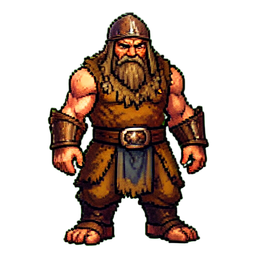 6. War Monk256×256 · PNG
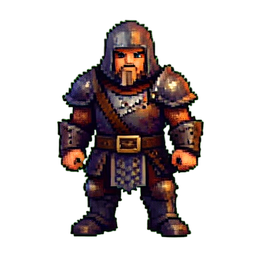 7. Axe Barbarian256×256 · PNG
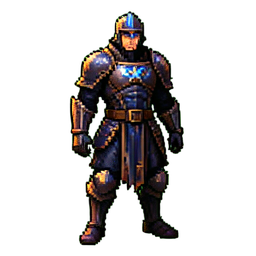 8. Halberd Lancer256×256 · PNG
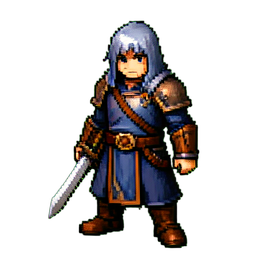 9. Sword Saint256×256 · PNG
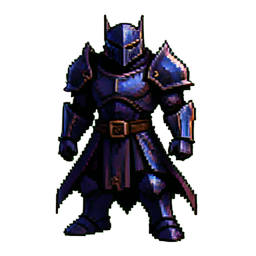 10. Dark Templar256×256 · PNG
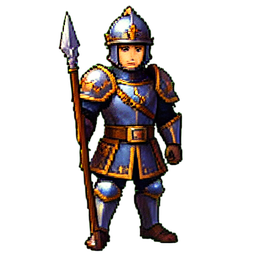 11. Royal Guard256×256 · PNG
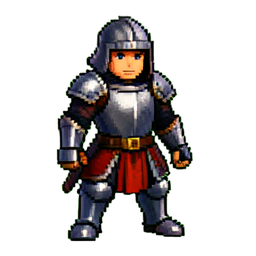 12. Fencer Duelist256×256 · PNG
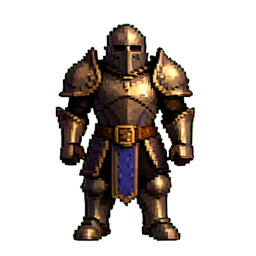 13. Hammer Paladin256×256 · PNG
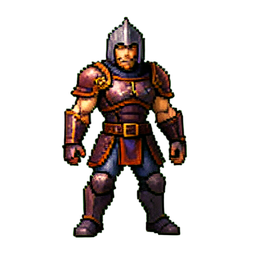 14. Whip Fighter256×256 · PNG
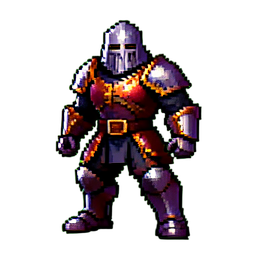 15. Chain Warrior256×256 · PNG
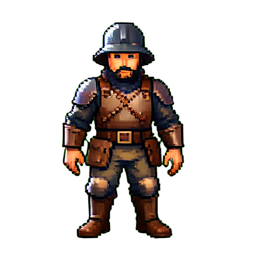 16. Pikeman Soldier256×256 · PNG
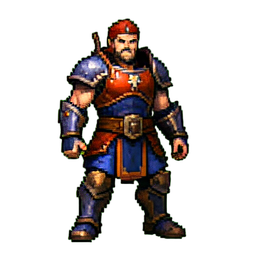 17. Arena Champion256×256 · PNG
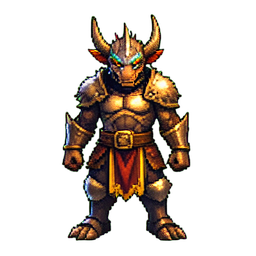 18. Dragon Slayer256×256 · PNG
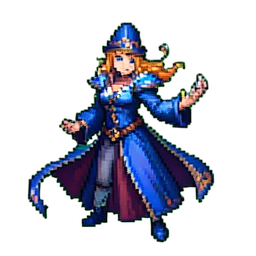 19. Ice Sorceress256×256 · PNG
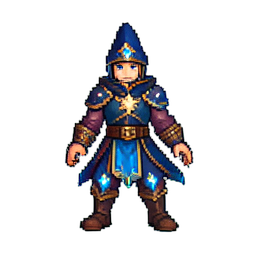 20. Lightning Wizard256×256 · PNG
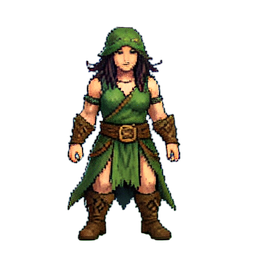 21. Nature Druid256×256 · PNG
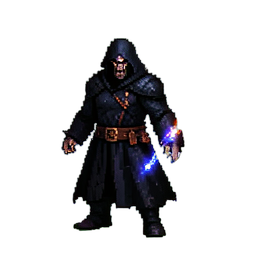 22. Dark Necromancer256×256 · PNG
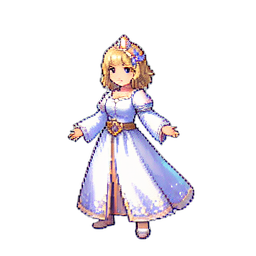 23. Light Priestess256×256 · PNG
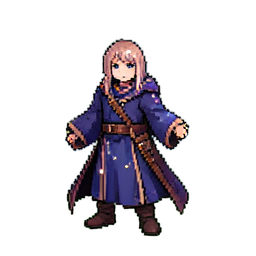 24. Arcane Scholar256×256 · PNG
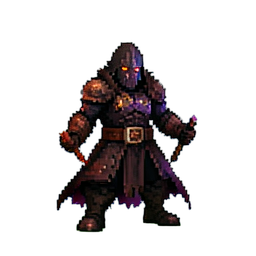 25. Blood Warlock256×256 · PNG
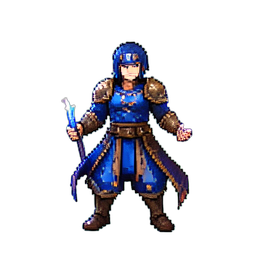 26. Wind Elementalist256×256 · PNG
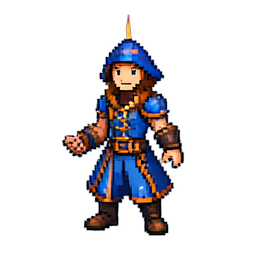 27. Star Astrologer256×256 · PNG
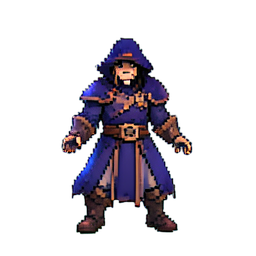 28. Void Mage256×256 · PNG
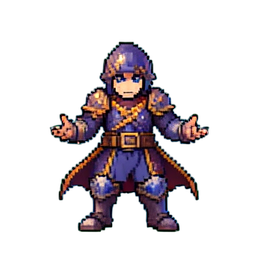 29. Chrono Mage256×256 · PNG
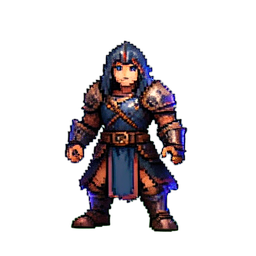 30. Rune Caster256×256 · PNG
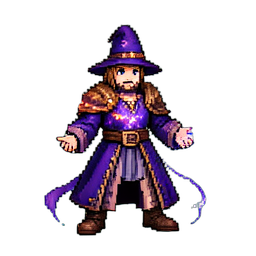 31. Alchemist Mage256×256 · PNG
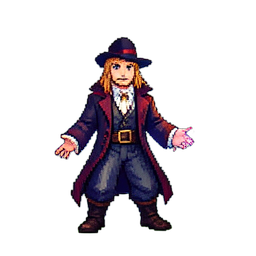 32. Illusionist256×256 · PNG
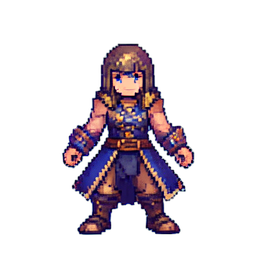 33. Gravity Mage256×256 · PNG
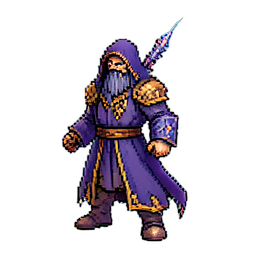 34. Plague Sorcerer256×256 · PNG
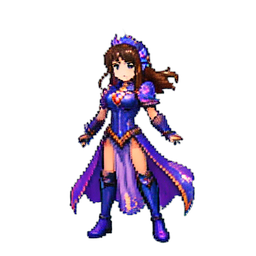 35. Crystal Enchantress256×256 · PNG
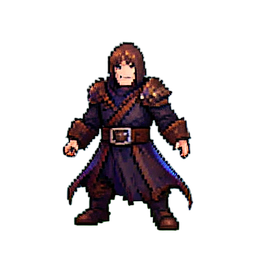 36. Chaos Magician256×256 · PNG
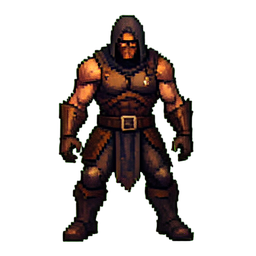 37. Poison Rogue256×256 · PNG
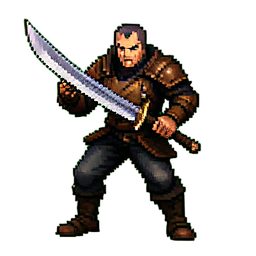 38. Knife Juggler256×256 · PNG
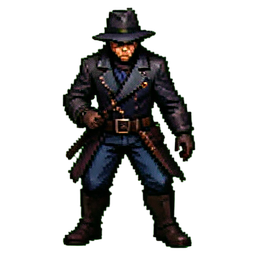 39. Phantom Thief256×256 · PNG
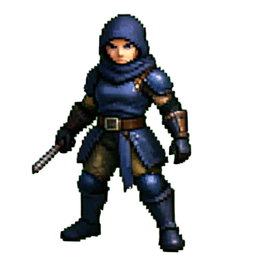 40. Ninja Kunoichi256×256 · PNG