Free Anime Character Sprites: Full-Body Portraits
This selection contains forty anime character illustrations on 384×512 portrait-format canvases. They show standing full-body subjects with coordinated fantasy clothing, rather than cropped faces or bust portraits. Use the preview to compare their outlines before selecting a group for a dialogue display, roster, or character selection screen.
40 recursos · PNG · CC0 · Animación: estático
Native canvas ranges: width 384–384 px; height 512–512 px.
Descarga · ZIP · 7.45 MiB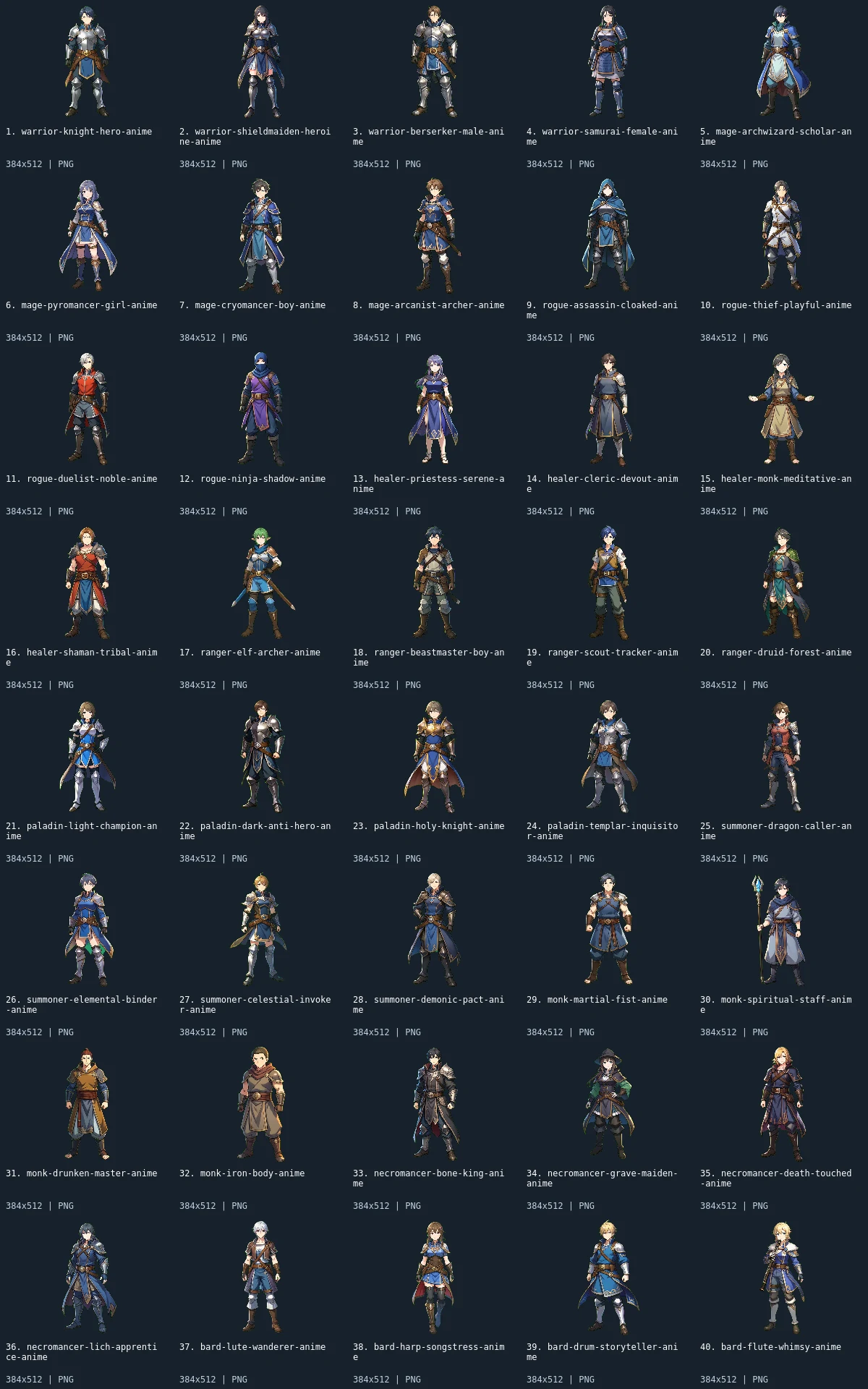
What is included
This pack contains 40 character sprites. Every image is 384×512. All downloads in the archive are PNG; the WebP preview is a labeled visual index, not an asset atlas.
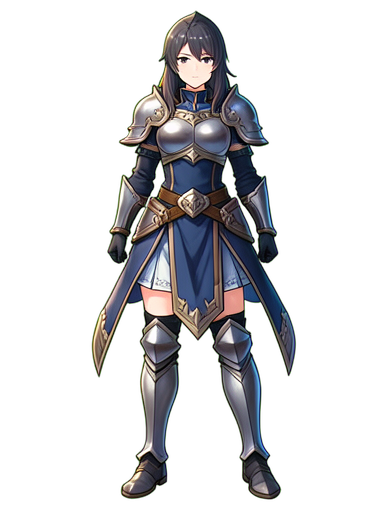
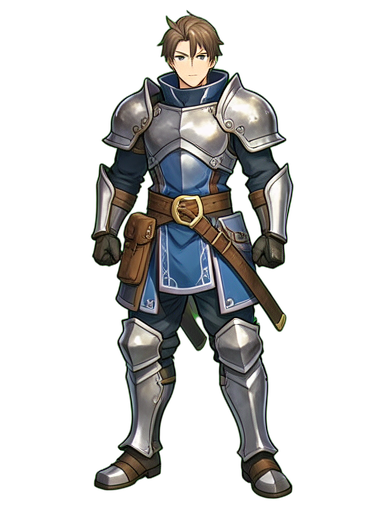
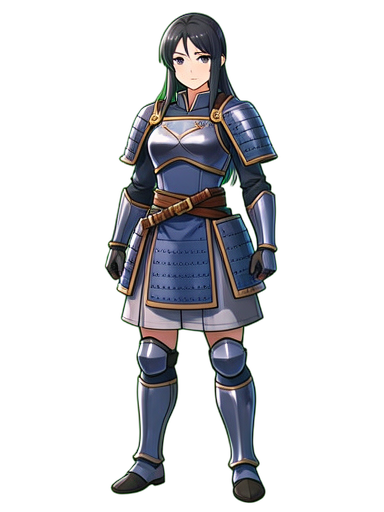
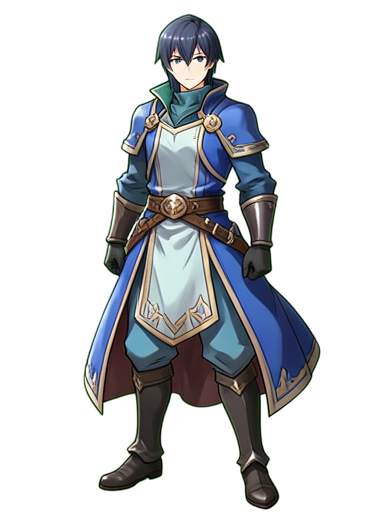
Ten four-image groups provide the inventory: warriors, mages, rogues, healers, rangers, paladins, summoners, monks, necromancers, and bards. Armor, capes, robes, hats, and held equipment distinguish subjects within those groups. The bard files visibly include different musical equipment and costume choices; the warrior and paladin groups emphasize armor, while robed subjects create a different silhouette. All members belong to the characters category. The selection ends at the bard group and does not include the later gunner, alchemist, school, or elder series.
The common portrait-format rectangle makes it straightforward to reserve a consistent area in an interface. Start with an image-sized panel or an aspect-ratio-preserving container, then align the visible subject within it. Keep enough vertical space for feet and headwear if you want to display the whole body. For a dialogue panel that needs only a face, make your own crop and check that different character heads occupy comparable positions. The files do not include pre-cropped headshots or expression variants.
- characters
- 40
Native sizes: 384x512: 40. Source formats: png. Verified animated assets: 0.
40 images have fully transparent pixels; 40 have partially transparent pixels. PNG exports preserve measured source geometry and alpha.
Assembly and limitations
These are illustrations, not low-resolution map sprites. Their fine outlines and shaded fabrics do not share the chunky native pixel scale of the procedural terrain packs. Reducing an entire body to a small gameplay sprite will lose face and costume detail; test the intended display size before planning around the artwork. Uniform 384×512 canvases do not imply identical body height, baseline, or transparent margins. Preserve aspect ratio and choose scaling for your interface independently of your tile grid.
Each portrait is a single still image with no mouth shapes, blinking frames, layered clothing, animation rig, or walk cycle. The files contain visible differences in costume, pose, and equipment; filenames are identifiers, not a narrative or mechanical specification. The labeled preview is a comparison sheet and must not be sliced as an animation atlas. The member links provide individual source pages, and the ZIP provides native PNG exports without engine scene data. Choose a smaller subset if your interface requires tighter consistency than the full forty-image collection.
CC0 declaration
Each member record declares CC0. Under CC0, attribution is not required and commercial use and modification are allowed; retaining the included notice helps document where these files came from. This summarizes the catalog’s declaration, not an independent rights audit or a warranty about trademarks, publicity rights, or third-party material. README.md and LICENSE.txt accompany the image files.
CC0 summary and legal instrumentImport notes
Godot 4: import PNGs as textures and assign them to Sprite2D nodes. Preserve portrait aspect ratio in interface controls; check filtering at the displayed size. Configure origins and placement for each file.
Godot image import documentationUnity: import each PNG as Sprite (2D and UI), with Sprite Mode Single. Retain the full portrait rectangle before making custom crops. Choose pixels per unit for your scene; the preview is not a sheet to slice.
Unity sprite import documentationGameMaker: import each unrelated image into its own sprite and set origins consistently. Keep the portrait aspect ratio when scaling the sprite. Multiple images in one sprite become subimages; this collection supplies no animation sequence.
GameMaker sprite documentationRecursos individuales (40)
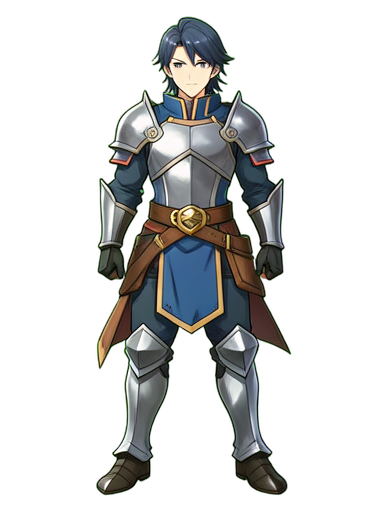 1. Warrior Knight Hero384×512 · PNG
 2. Warrior Shieldmaiden Heroine384×512 · PNG
 3. Warrior Berserker Male384×512 · PNG
 4. Warrior Samurai Female384×512 · PNG
 5. Mage Archwizard Scholar384×512 · PNG
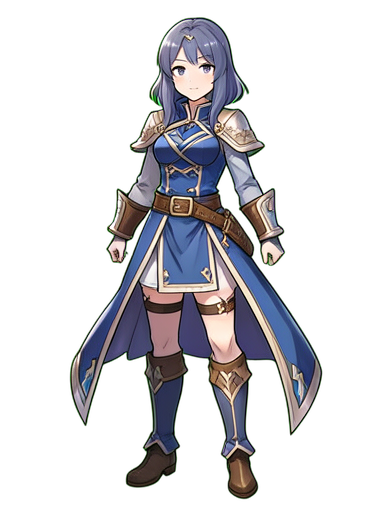 6. Mage Pyromancer Girl384×512 · PNG
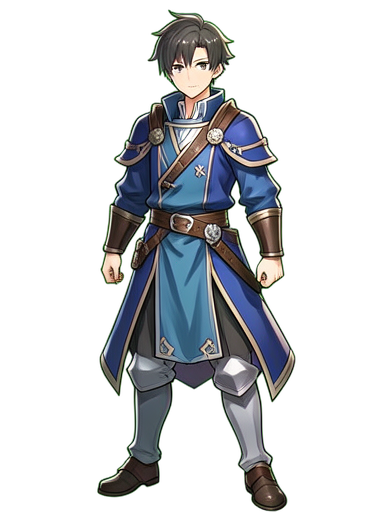 7. Mage Cryomancer Boy384×512 · PNG
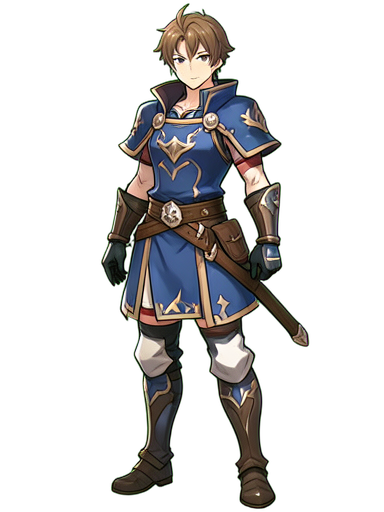 8. Mage Arcanist Archer384×512 · PNG
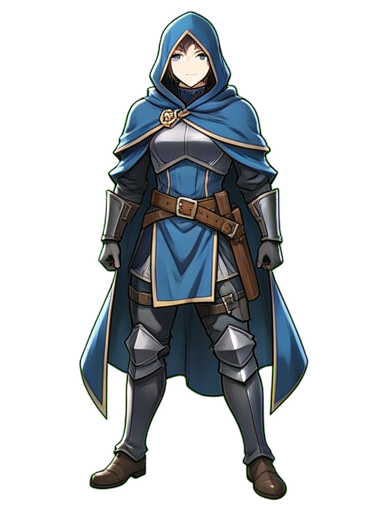 9. Rogue Assassin Cloaked384×512 · PNG
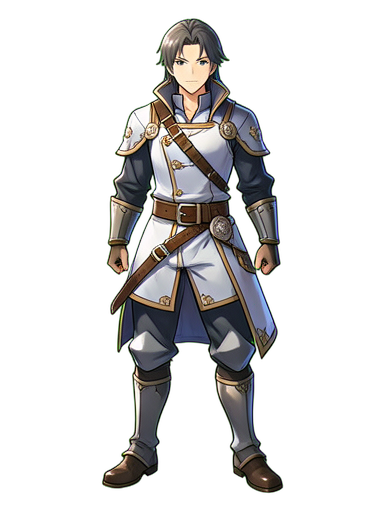 10. Rogue Thief Playful384×512 · PNG
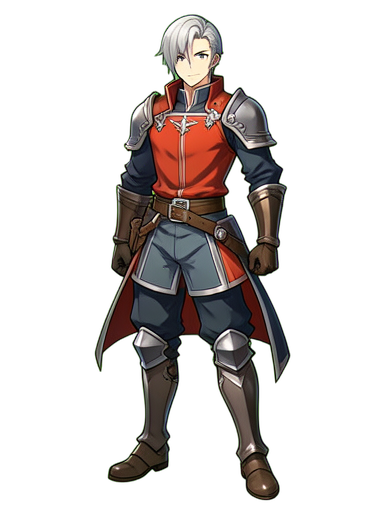 11. Rogue Duelist Noble384×512 · PNG
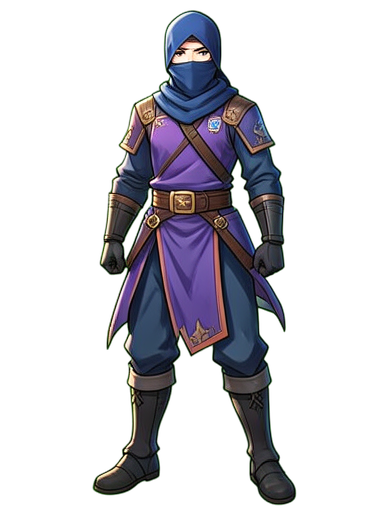 12. Rogue Ninja Shadow384×512 · PNG
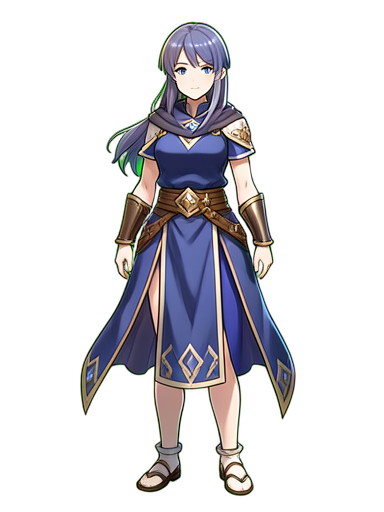 13. Healer Priestess Serene384×512 · PNG
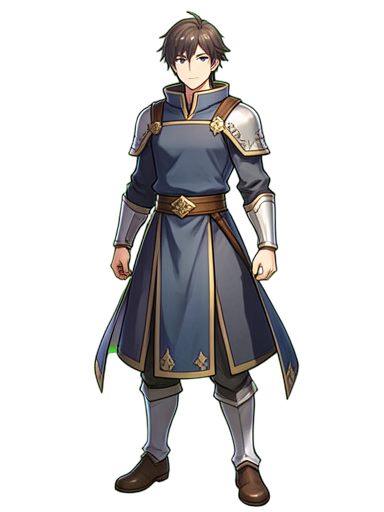 14. Healer Cleric Devout384×512 · PNG
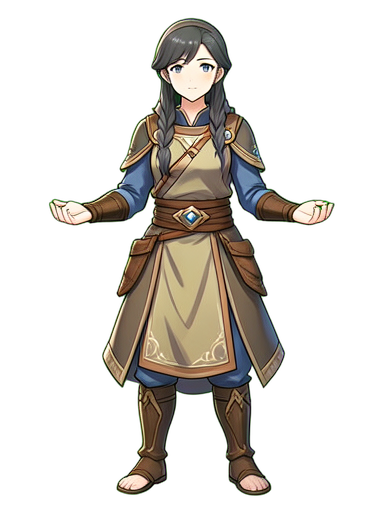 15. Healer Monk Meditative384×512 · PNG
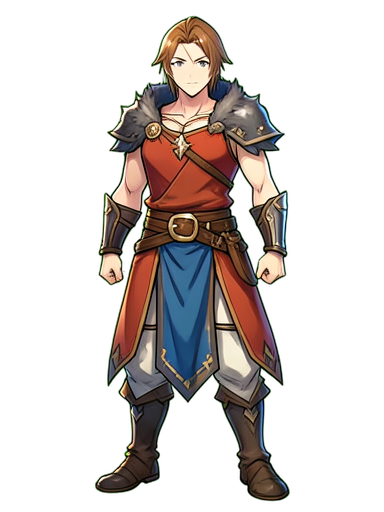 16. Healer Shaman Tribal384×512 · PNG
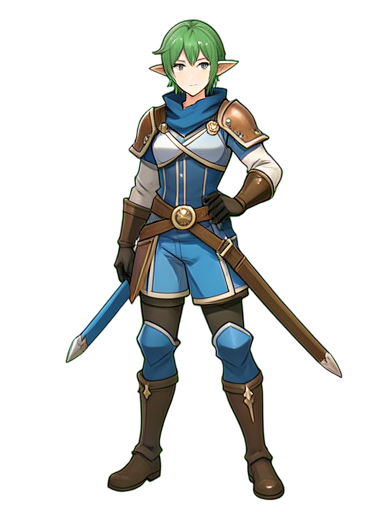 17. Ranger Elf Archer384×512 · PNG
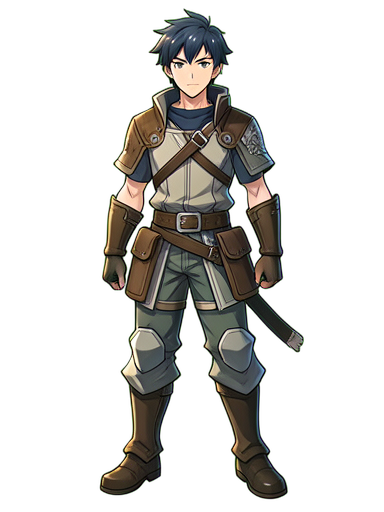 18. Ranger Beastmaster Boy384×512 · PNG
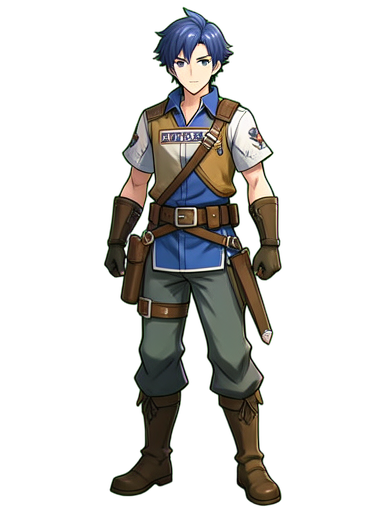 19. Ranger Scout Tracker384×512 · PNG
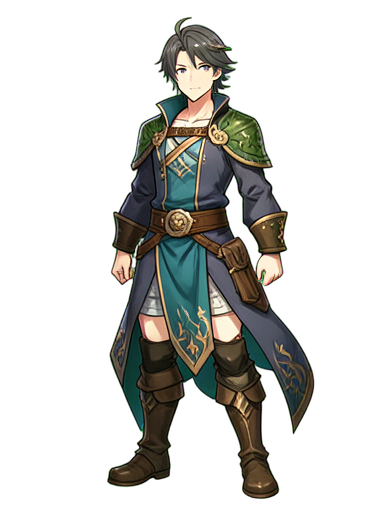 20. Ranger Druid Forest384×512 · PNG
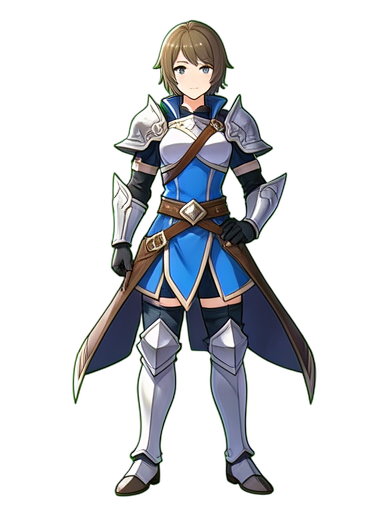 21. Paladin Light Champion384×512 · PNG
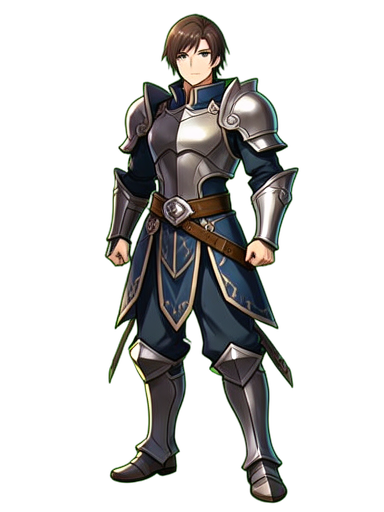 22. Paladin Dark Anti-Hero384×512 · PNG
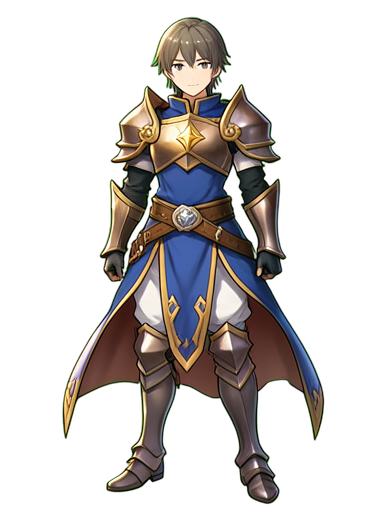 23. Paladin Holy Knight384×512 · PNG
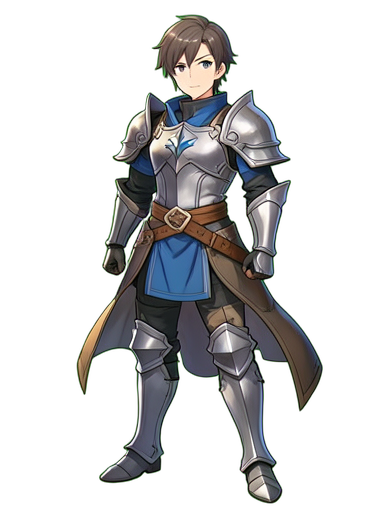 24. Paladin Templar Inquisitor384×512 · PNG
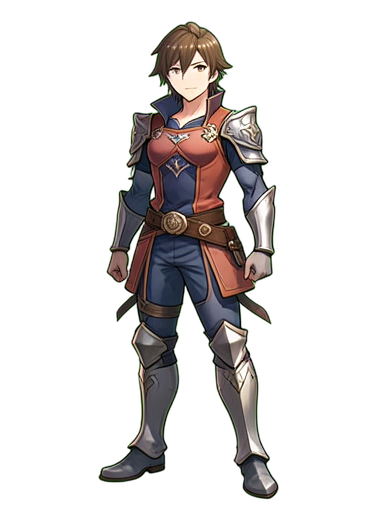 25. Summoner Dragon Caller384×512 · PNG
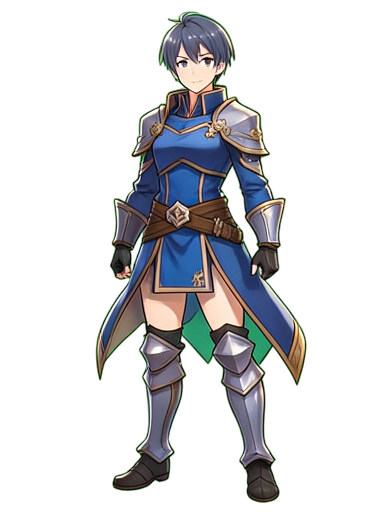 26. Summoner Elemental Binder384×512 · PNG
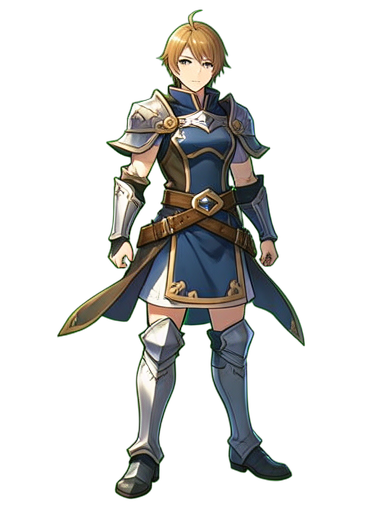 27. Summoner Celestial Invoker384×512 · PNG
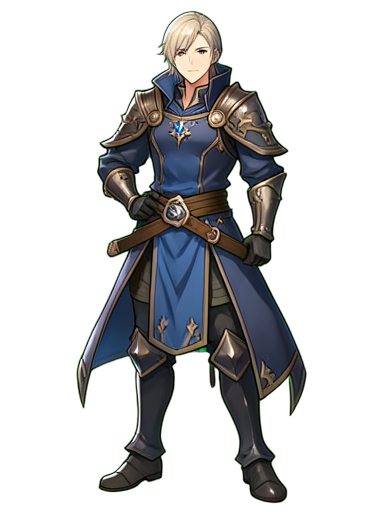 28. Summoner Demonic Pact384×512 · PNG
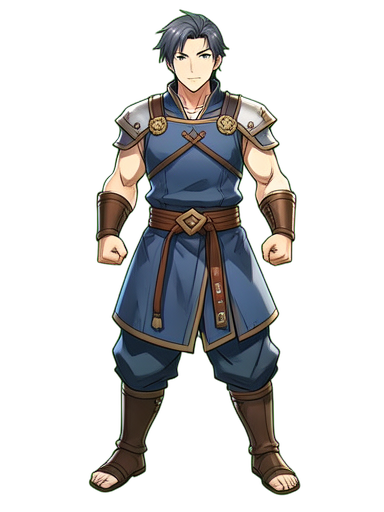 29. Monk Martial Fist384×512 · PNG
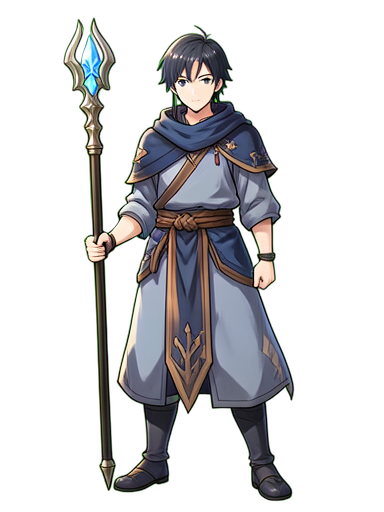 30. Monk Spiritual Staff384×512 · PNG
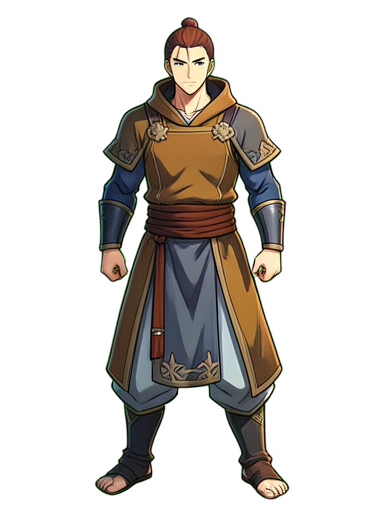 31. Monk Drunken Master384×512 · PNG
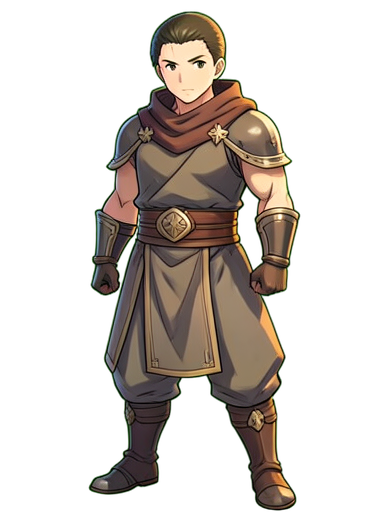 32. Monk Iron Body384×512 · PNG
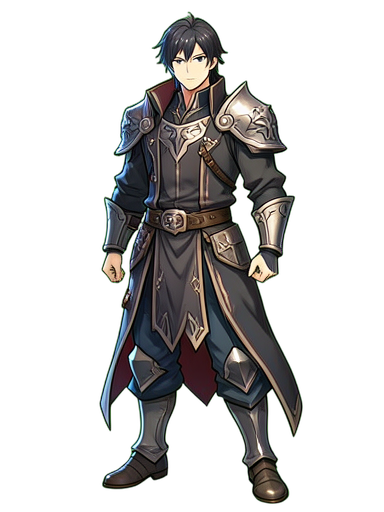 33. Necromancer Bone King384×512 · PNG
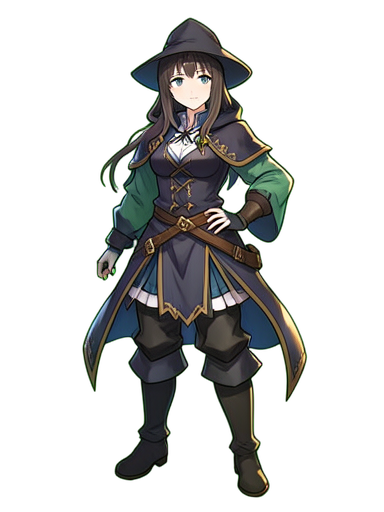 34. Necromancer Grave Maiden384×512 · PNG
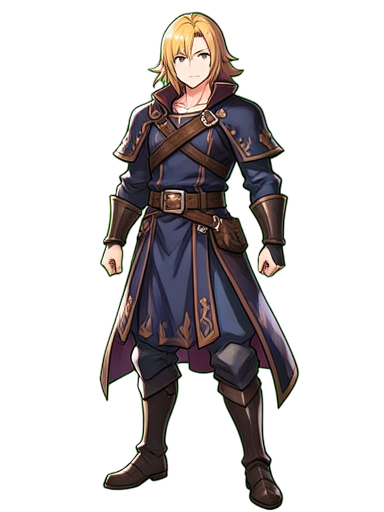 35. Necromancer Death Touched384×512 · PNG
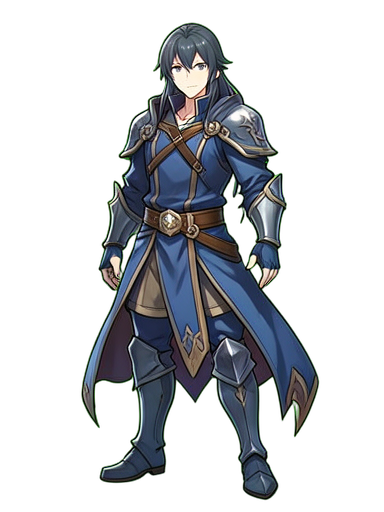 36. Necromancer Lich Apprentice384×512 · PNG
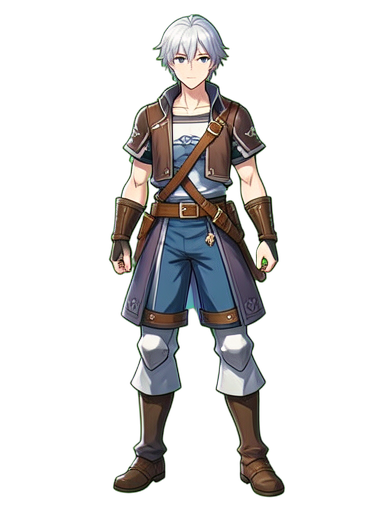 37. Bard Lute Wanderer384×512 · PNG
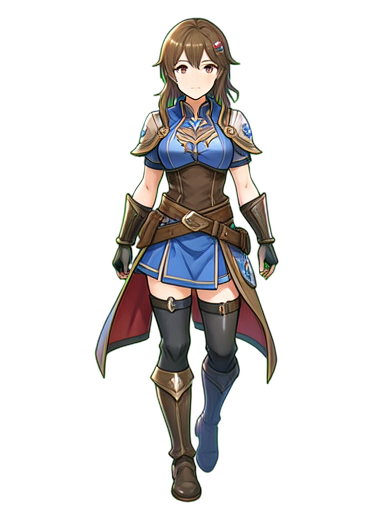 38. Bard Harp Songstress384×512 · PNG
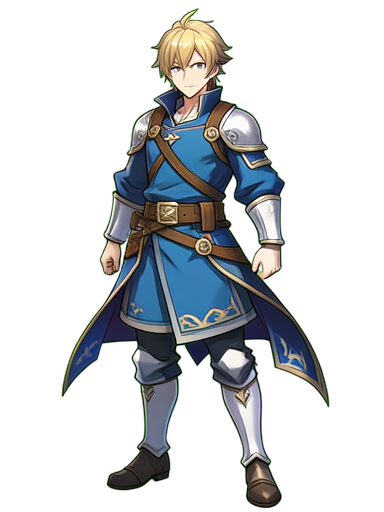 39. Bard Drum Storyteller384×512 · PNG
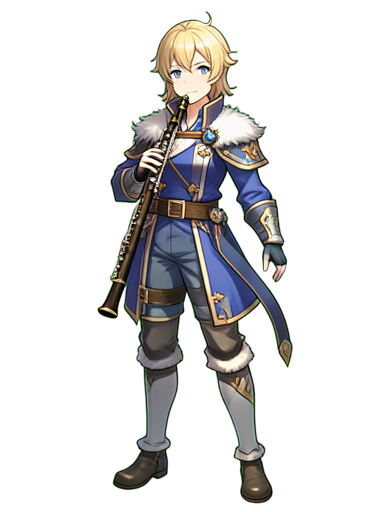 40. Bard Flute Whimsy384×512 · PNG