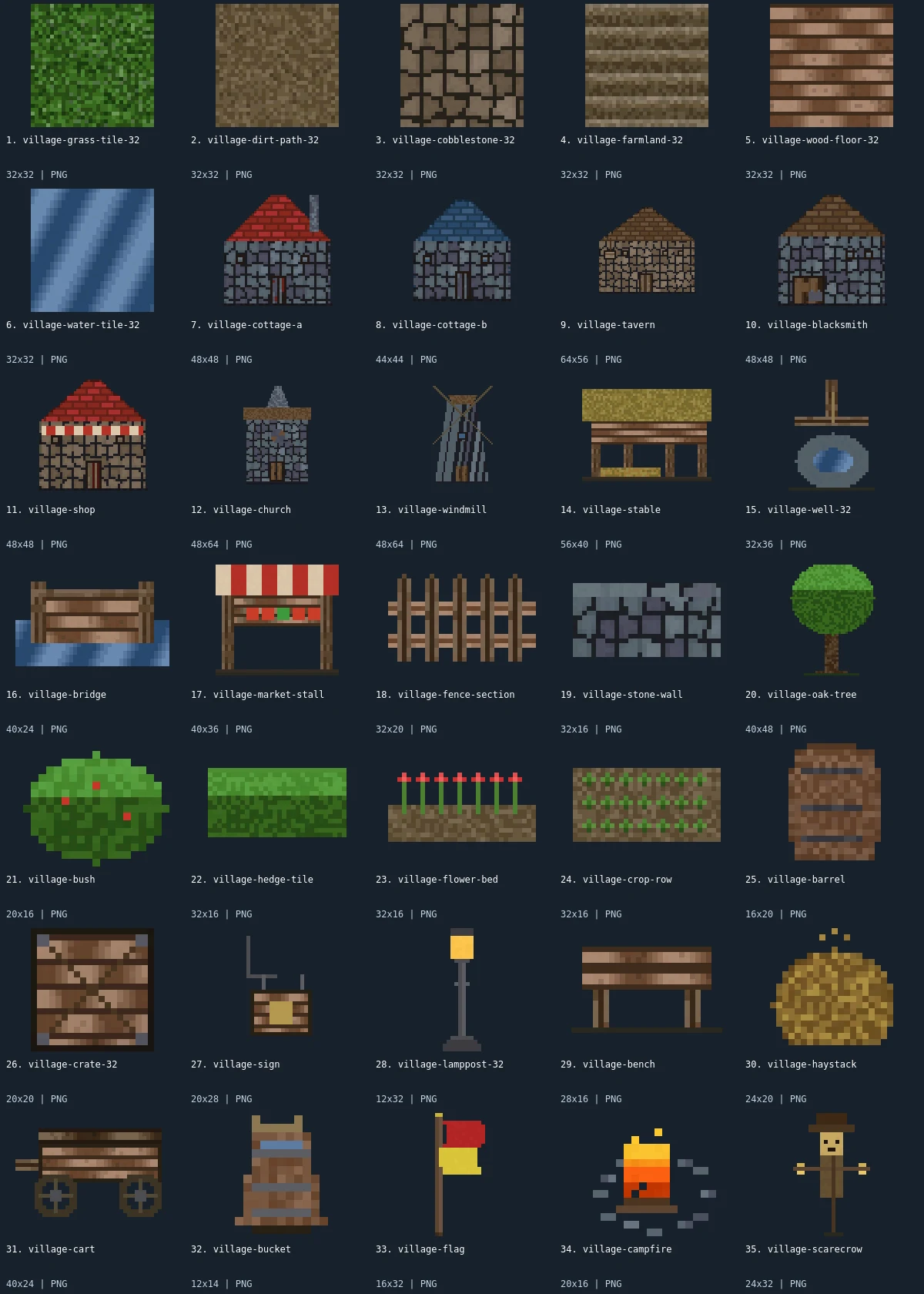
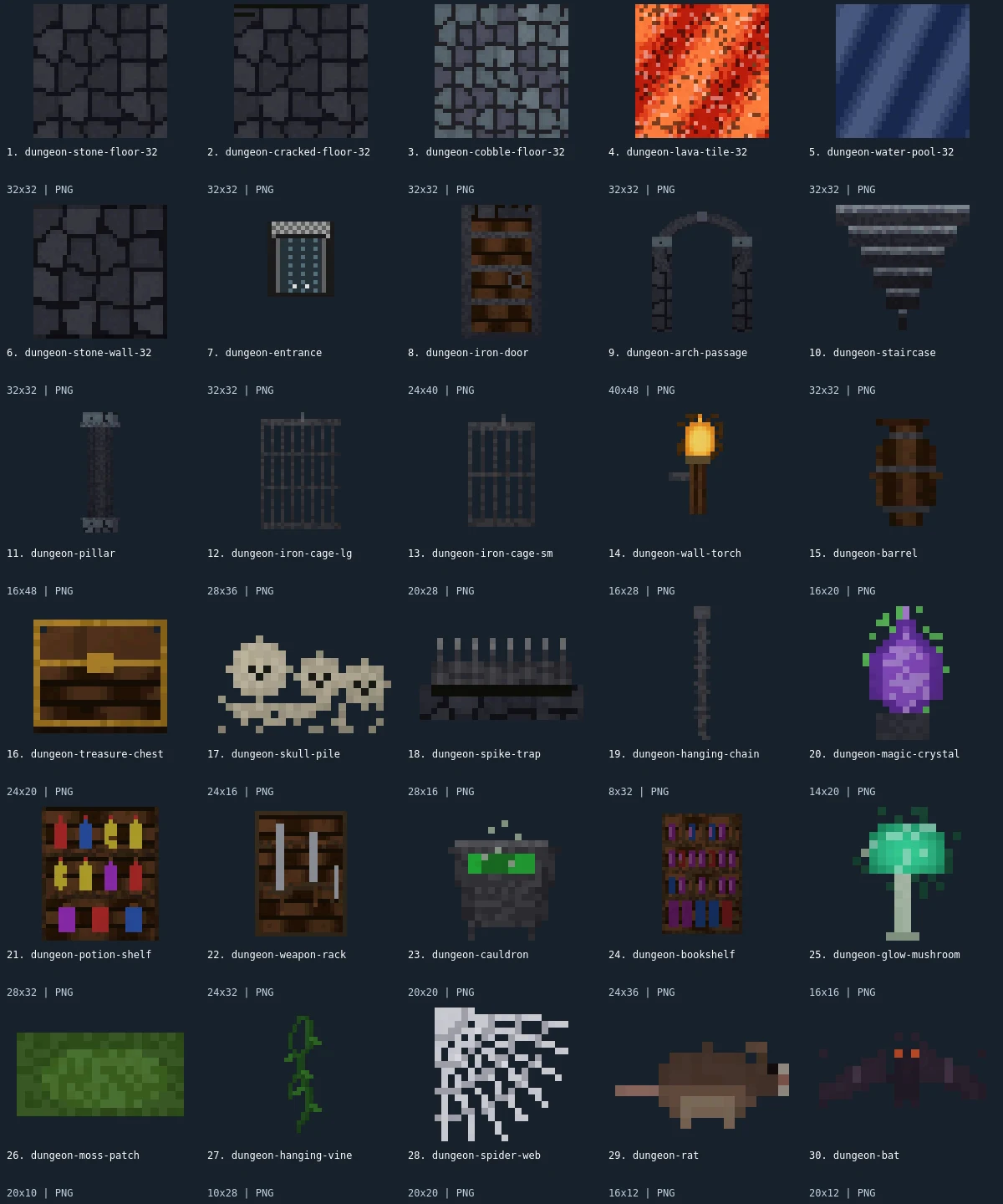
Free Forest Tileset: Terrain, Trees and Campsite Props
This woodland selection joins five 32×32 ground textures with trees, bushes, a cabin, a bridge, and small wildlife. The large oak and pine establish the scale of the canopy while mushrooms, flowers, and rocks fill smaller gaps. It is a collection of individual images for assembling a forest scene, with no finished map bundled.
30 recursos · PNG · CC0 · Animação: estático
Native canvas ranges: width 10–48 px; height 8–64 px.
Baixe · ZIP · 0.14 MiB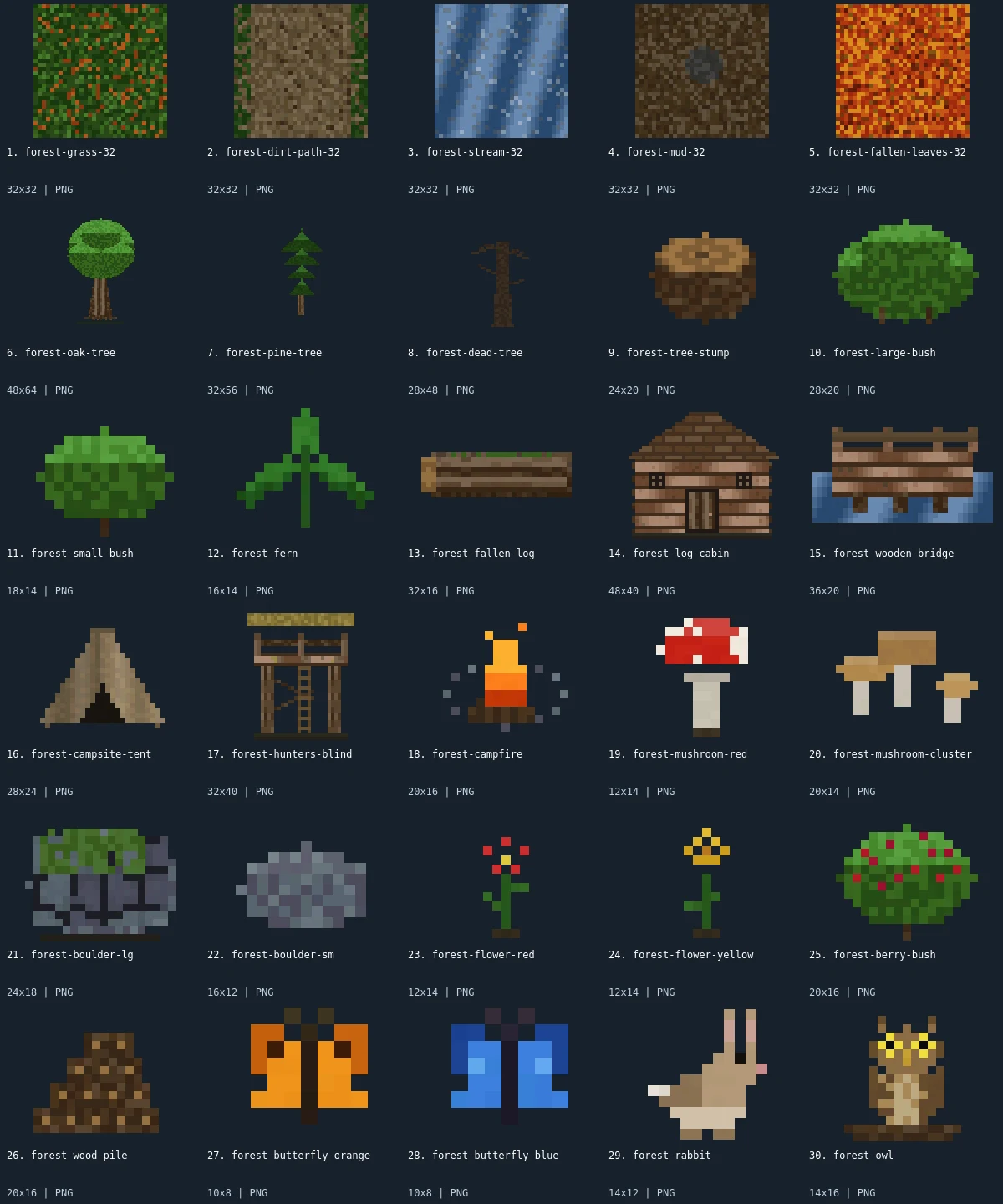
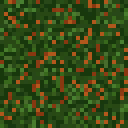
Native-size examples
These examples display at one CSS pixel per source pixel. The labeled sheet above enlarges the small artwork with integer scaling.
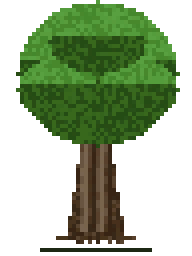

What is included
This pack contains 30 assets: 5 tilesets, 15 environment, 4 buildings, 2 items, 4 characters. There are 21 distinct native canvas sizes. The complete size histogram appears below and in manifest.json. All downloads in the archive are PNG; the WebP preview is a labeled visual index, not an asset atlas.
Grass, dirt path, stream, mud, and fallen leaves provide the ground choices. The oak, pine, dead tree, stump, fern, fallen log, and two bushes give you distinct vegetation silhouettes. A cabin, campsite tent, hunter’s blind, and wooden bridge supply four built structures. The campfire and wood pile can anchor a small clearing. Berry foliage, red mushrooms, a mushroom cluster, two boulders, and red and yellow flowers are additional details. The orange and blue butterflies, rabbit, and owl are stored under the characters category even though they are wildlife rather than playable humanoids.
Lay down grass or dirt first, then build a clearing around the cabin or tent. Put tall trees behind smaller bushes and rocks so the trunks remain understandable. A bridge can provide a visual crossing over stream patches, but the water texture and bridge are separate files, with no automatic junction system. Fallen leaves can distinguish a second area without changing the entire vegetation set. Flowers and mushrooms have small footprints and work better as accents than as replacements for the ground texture.
- tilesets
- 5
- environment
- 15
- buildings
- 4
- items
- 2
- characters
- 4
Native sizes: 32x32: 5; 48x64: 1; 32x56: 1; 28x48: 1; 24x20: 1; 28x20: 1; 18x14: 1; 16x14: 1; 32x16: 1; 48x40: 1; 36x20: 1; 28x24: 1; 32x40: 1; 20x16: 3; 12x14: 3; 20x14: 1; 24x18: 1; 16x12: 1; 10x8: 2; 14x12: 1; 14x16: 1. Source formats: pixel-json. Verified animated assets: 0.
25 images have fully transparent pixels; 0 have partially transparent pixels. PNG exports preserve measured source geometry and alpha.
Assembly and limitations
The five ground images share a 32×32 canvas, but the object images use different bounds. The oak is 48×64 and the pine is 32×56; the cabin is 48×40 and the bridge is 36×20. Preserve these native sizes initially and establish a common baseline for objects placed on the same ground. The perspective is a mixture of ground texture patches and front-facing object silhouettes, so this is not a verified isometric tileset. A canopy may overlap an actor even when its collision shape is much smaller.
Every member is static, including the butterflies and campfire. You will need additional poses or frame drawings for moving wildlife and flickering fire. There are no terrain corner sets, seasonal swaps, collision polygons, or gameplay scripts. Orange and blue butterflies and the two flower colors are intentional small color choices; large and small bushes and rocks provide useful scale differences. Repeating textures across a broad area may reveal joins, so check tiling in the intended map instead of assuming edge continuity.
CC0 declaration
Each member record declares CC0. Under CC0, attribution is not required and commercial use and modification are allowed; retaining the included notice helps document where these files came from. This summarizes the catalog’s declaration, not an independent rights audit or a warranty about trademarks, publicity rights, or third-party material. README.md and LICENSE.txt accompany the image files.
CC0 summary and legal instrumentImport notes
Godot 4: import PNGs as textures and assign them to Sprite2D nodes. Choose Nearest filtering on CanvasItem for pixel art. Configure origins and placement for each file.
Godot image import documentationUnity: import each PNG as Sprite (2D and UI), with Sprite Mode Single. Use Point filtering for pixel art. Choose pixels per unit for your scene; the preview is not a sheet to slice.
Unity sprite import documentationGameMaker: import each unrelated image into its own sprite and set origins consistently. Disable texture interpolation for crisp pixel art. Multiple images in one sprite become subimages; this collection supplies no animation sequence.
GameMaker sprite documentationRecursos individuais (30)
- 1. Forest Floor Grass32×32 · PNG
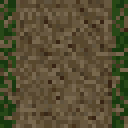 2. Forest Dirt Path32×32 · PNG
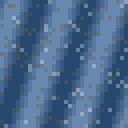 3. Forest Stream32×32 · PNG
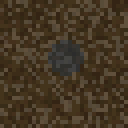 4. Forest Mud32×32 · PNG
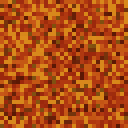 5. Fallen Autumn Leaves32×32 · PNG
- 6. Forest Oak Tree48×64 · PNG
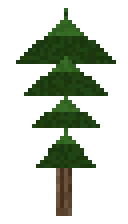 7. Forest Pine Tree32×56 · PNG
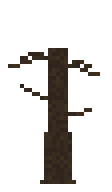 8. Dead Tree28×48 · PNG
 9. Tree Stump24×20 · PNG
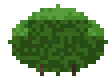 10. Large Forest Bush28×20 · PNG
 11. Small Forest Bush18×14 · PNG
 12. Forest Fern16×14 · PNG
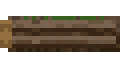 13. Fallen Log32×16 · PNG
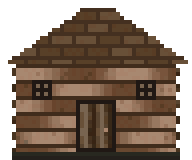 14. Log Cabin48×40 · PNG
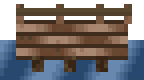 15. Forest Bridge36×20 · PNG
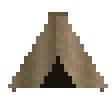 16. Campsite Tent28×24 · PNG
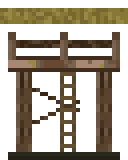 17. Hunters Blind32×40 · PNG
 18. Campfire20×16 · PNG
 19. Red Mushroom12×14 · PNG
 20. Mushroom Cluster20×14 · PNG
 21. Large Forest Boulder24×18 · PNG
 22. Small Forest Rock16×12 · PNG
 23. Red Wildflower12×14 · PNG
 24. Yellow Wildflower12×14 · PNG
 25. Berry Bush20×16 · PNG
 26. Firewood Pile20×16 · PNG
 27. Orange Butterfly10×8 · PNG
 28. Blue Butterfly10×8 · PNG
 29. Forest Rabbit14×12 · PNG
- 30. Forest Owl14×16 · PNG