Free Gothic Pixel Art: Cathedral Tiles, Props and Figures
This pixel set centers on stone cathedral architecture, ceremonial details, and small figures. It contains five members in each of six categories, with 32×32 textures and mixed-size objects. The selection avoids combining these modest pixel sprites with the separate large gothic illustration medium found elsewhere in the catalog.
30 assets · PNG · CC0 · Animation: static
Native canvas ranges: width 8–56 px; height 10–64 px.
Download · ZIP · 0.13 MiB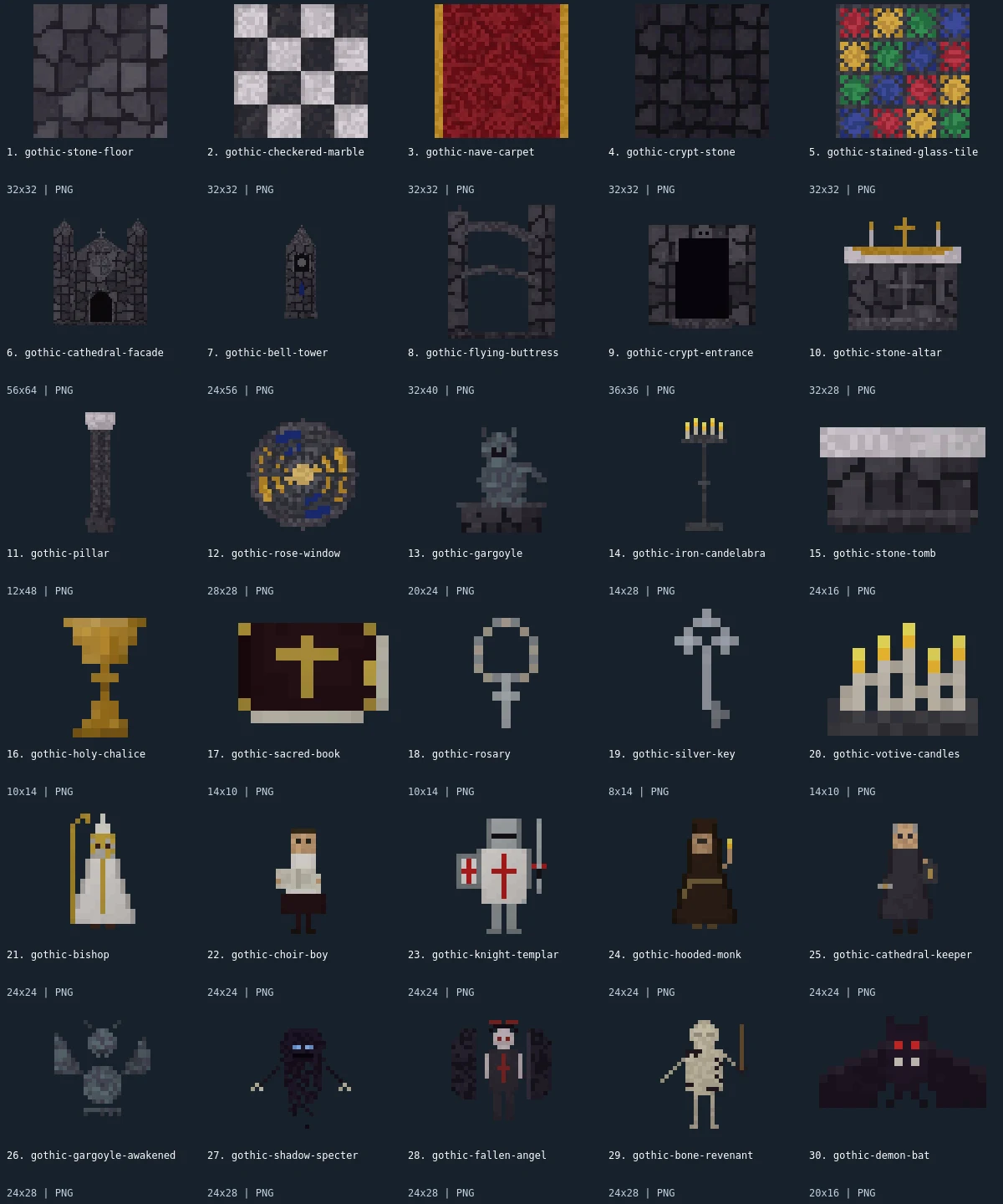
Native-size examples
These examples display at one CSS pixel per source pixel. The labeled sheet above enlarges the small artwork with integer scaling.
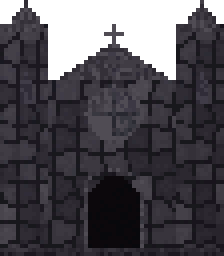

What is included
This pack contains 30 assets: 5 tilesets, 5 buildings, 5 environment, 5 items, 5 characters, 5 enemies. There are 17 distinct native canvas sizes. The complete size histogram appears below and in manifest.json. All downloads in the archive are PNG; the WebP preview is a labeled visual index, not an asset atlas.
Stone floor, checkered marble, nave carpet, crypt stone, and a stained-glass pattern are the texture choices. Cathedral facade, bell tower, flying buttress, crypt entrance, and stone altar provide the architectural pieces. The pillar, rose window, gargoyle statue, candelabra, and tomb are environmental details. Chalice, sacred book, rosary, key, and votive candles serve as small props. Bishop, choir boy, templar, monk, and keeper are character sprites; awakened gargoyle, specter, fallen angel, bone revenant, and demon bat are enemy sprites.
Use stone or marble beneath the architecture, then place the carpet as a contrasting patch for an aisle or focal area. Keep the altar and candelabra visible against the darker crypt texture. The rose window and stained-glass pattern are distinct images: one is a circular object, the other a square texture, so they need separate placement treatment. The tower and buttress can extend a facade visually, but no assembly rules guarantee that every boundary meets. Build a small composition first and adjust the overlap of stonework manually.
- tilesets
- 5
- buildings
- 5
- environment
- 5
- items
- 5
- characters
- 5
- enemies
- 5
Native sizes: 32x32: 5; 56x64: 1; 24x56: 1; 32x40: 1; 36x36: 1; 32x28: 1; 12x48: 1; 28x28: 1; 20x24: 1; 14x28: 1; 24x16: 1; 10x14: 2; 14x10: 2; 8x14: 1; 24x24: 5; 24x28: 4; 20x16: 1. Source formats: pixel-json. Verified animated assets: 0.
25 images have fully transparent pixels; 0 have partially transparent pixels. PNG exports preserve measured source geometry and alpha.
Assembly and limitations
The facade is 56×64, the bell tower 24×56, and the pillar 12×48. Characters use 24×24 bounds, while most enemies are 24×28 and the bat is 20×16. These sizes let you distinguish large architecture from small figures, but they do not define a universal actor-to-building scale. Choose an object baseline and draw order that fits your camera. The red carpet and colored window provide accents within otherwise muted stone; they are not a single shared palette applied to every image.
No member has exported animation. The awakened gargoyle is a separate static design, not a verified transformation frame for the statue. The revenant and specter do not contain attack, idle, or movement cycles. The collection also lacks complete interiors, directional actor views, collision data, and autotile rules. The old demo remains accessible as a composition reference. Check edge repetition and readability on both light and dark backgrounds before committing these pieces to a large cathedral map.
CC0 declaration
Each member record declares CC0. Under CC0, attribution is not required and commercial use and modification are allowed; retaining the included notice helps document where these files came from. This summarizes the catalog’s declaration, not an independent rights audit or a warranty about trademarks, publicity rights, or third-party material. README.md and LICENSE.txt accompany the image files.
CC0 summary and legal instrumentImport notes
Godot 4: import PNGs as textures and assign them to Sprite2D nodes. Choose Nearest filtering on CanvasItem for pixel art. Configure origins and placement for each file.
Godot image import documentationUnity: import each PNG as Sprite (2D and UI), with Sprite Mode Single. Use Point filtering for pixel art. Choose pixels per unit for your scene; the preview is not a sheet to slice.
Unity sprite import documentationGameMaker: import each unrelated image into its own sprite and set origins consistently. Disable texture interpolation for crisp pixel art. Multiple images in one sprite become subimages; this collection supplies no animation sequence.
GameMaker sprite documentationIndividual Assets (30)
- 1. Stone Floor32×32 · PNG
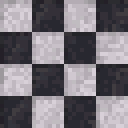 2. Checkered Marble32×32 · PNG
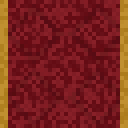 3. Nave Carpet32×32 · PNG
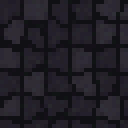 4. Crypt Stone32×32 · PNG
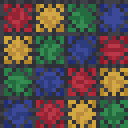 5. Stained Glass Pattern32×32 · PNG
- 6. Cathedral Facade56×64 · PNG
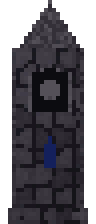 7. Bell Tower24×56 · PNG
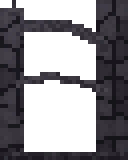 8. Flying Buttress32×40 · PNG
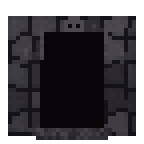 9. Crypt Entrance36×36 · PNG
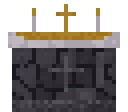 10. Stone Altar32×28 · PNG
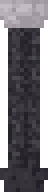 11. Gothic Pillar12×48 · PNG
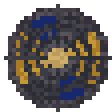 12. Rose Window28×28 · PNG
 13. Gargoyle20×24 · PNG
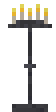 14. Iron Candelabra14×28 · PNG
 15. Stone Tomb24×16 · PNG
 16. Holy Chalice10×14 · PNG
 17. Sacred Book14×10 · PNG
 18. Rosary10×14 · PNG
 19. Silver Key8×14 · PNG
 20. Votive Candles14×10 · PNG
 21. Bishop24×24 · PNG
 22. Choir Boy24×24 · PNG
 23. Knight Templar24×24 · PNG
 24. Hooded Monk24×24 · PNG
 25. Cathedral Keeper24×24 · PNG
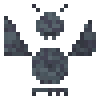 26. Gargoyle Awakened24×28 · PNG
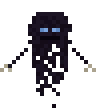 27. Shadow Specter24×28 · PNG
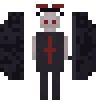 28. Fallen Angel24×28 · PNG
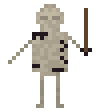 29. Bone Revenant24×28 · PNG
- 30. Demon Bat20×16 · PNG