Free Cyberpunk Pixel Art: Alley Tiles, Props and Sprites
This small pixel collection uses dark surfaces with blue and magenta accents for an alley or storefront scene. Five 32×32 ground files sit alongside neon signage, utility details, furniture, inventory icons, and four static figures. It keeps the procedural alley set together rather than combining the many unrelated assets carrying a cyberpunk tag.
30 assets · PNG · CC0 · Animation: static
Native canvas ranges: width 8–48 px; height 6–44 px.
Download · ZIP · 0.13 MiB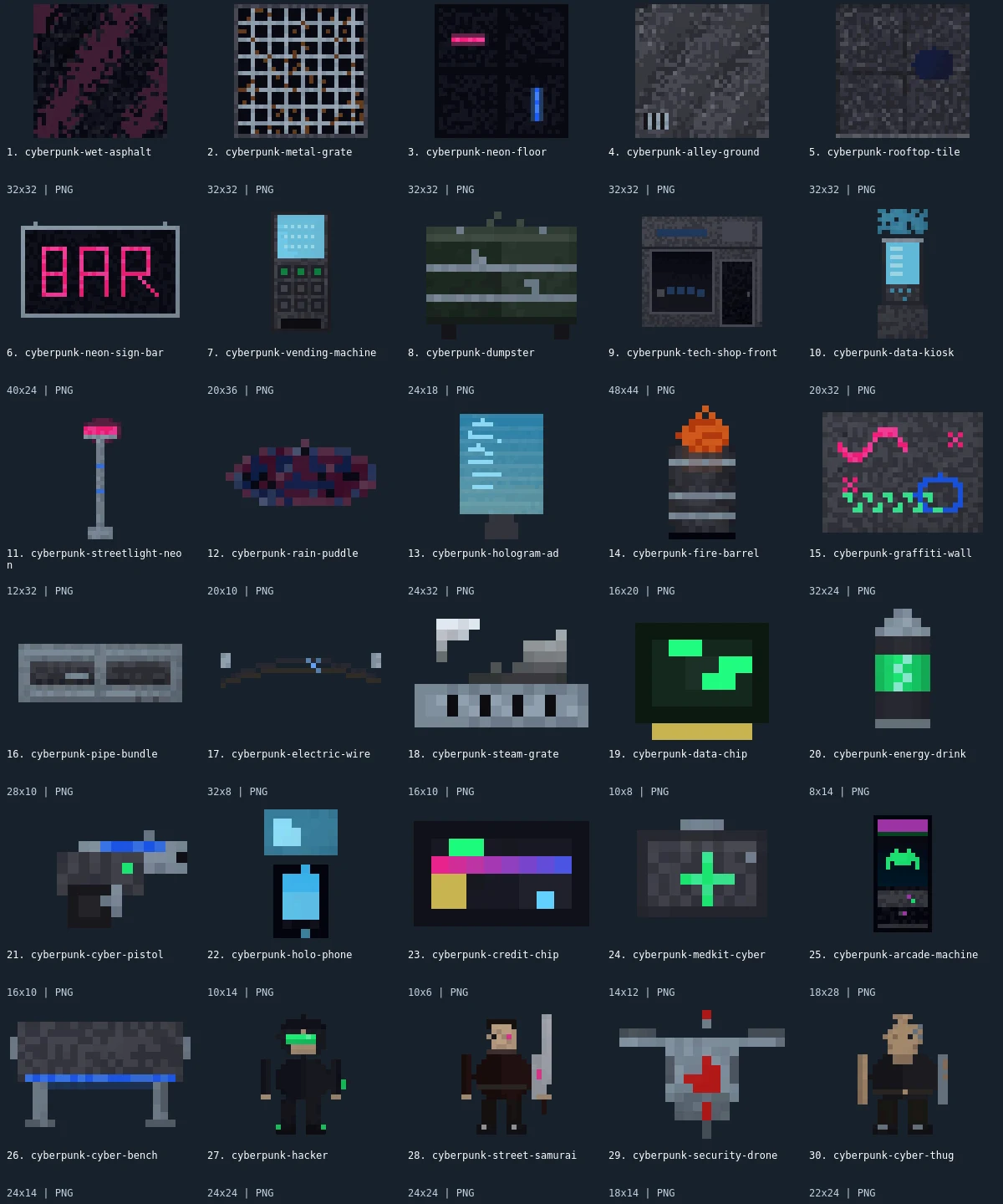
Native-size examples
These examples display at one CSS pixel per source pixel. The labeled sheet above enlarges the small artwork with integer scaling.

What is included
This pack contains 30 assets: 5 tilesets, 5 buildings, 8 environment, 6 items, 2 furniture, 2 characters, 2 enemies. There are 24 distinct native canvas sizes. The complete size histogram appears below and in manifest.json. All downloads in the archive are PNG; the WebP preview is a labeled visual index, not an asset atlas.
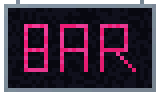
Wet asphalt, metal grate, neon floor, alley ground, and rooftop tile are the five square textures. A bar sign, vending machine, dumpster, tech shop front, and data kiosk make up the buildings category. Streetlight, rain puddle, hologram advertisement, fire barrel, graffiti wall, pipes, wire, and steam grate provide environmental details. An arcade machine and bench supply furniture. Six small inventory images depict a data chip, drink, pistol, phone, credit chip, and medkit. A hacker and street samurai are characters; the drone and thug are categorized as enemies.
Start with asphalt or alley ground and use the shop front as the visual boundary of a small encounter space. Place the bar sign or hologram above the main route, then keep wires and pipes near walls so they do not compete with the actors. The grate and rooftop textures can mark different surfaces, but this set has no connected road or elevated walkway system. The inventory images can accompany an interface or be placed as pickups; their small canvases are intentional and do not represent full building-scale props.
- tilesets
- 5
- buildings
- 5
- environment
- 8
- items
- 6
- furniture
- 2
- characters
- 2
- enemies
- 2
Native sizes: 32x32: 5; 40x24: 1; 20x36: 1; 24x18: 1; 48x44: 1; 20x32: 1; 12x32: 1; 20x10: 1; 24x32: 1; 16x20: 1; 32x24: 1; 28x10: 1; 32x8: 1; 16x10: 2; 10x8: 1; 8x14: 1; 10x14: 1; 10x6: 1; 14x12: 1; 18x28: 1; 24x14: 1; 24x24: 2; 18x14: 1; 22x24: 1. Source formats: pixel-json. Verified animated assets: 0.
21 images have fully transparent pixels; 0 have partially transparent pixels. PNG exports preserve measured source geometry and alpha.
Assembly and limitations
Ground textures are 32×32 while the kiosk is 20×32, the shop front is 48×44, and the wire is only 32×8. The hacker and samurai are 24×24. Keep their native pixel scale when composing the scene, then adjust object origins and collision shapes separately. The images do not provide a consistent top-down perspective: ground patches and upright props serve different layers. Neon colors are baked into the images; no emissive mask, light source, or bloom setup is supplied.
All thirty members are static. The fire barrel, advertisement, steam grate, drone, and actors have no animation frames despite their subjects suggesting motion. Create animation or effects separately if your game needs them. There is no parallax skyline in the ZIP, no full vehicle set, and no engine-ready level. The legacy demo remains linked for reference, but membership comes from the exact manifest. At dark background values, test whether the silhouettes remain readable before adding post-processing or reducing brightness further.
CC0 declaration
Each member record declares CC0. Under CC0, attribution is not required and commercial use and modification are allowed; retaining the included notice helps document where these files came from. This summarizes the catalog’s declaration, not an independent rights audit or a warranty about trademarks, publicity rights, or third-party material. README.md and LICENSE.txt accompany the image files.
CC0 summary and legal instrumentImport notes
Godot 4: import PNGs as textures and assign them to Sprite2D nodes. Choose Nearest filtering on CanvasItem for pixel art. Configure origins and placement for each file.
Godot image import documentationUnity: import each PNG as Sprite (2D and UI), with Sprite Mode Single. Use Point filtering for pixel art. Choose pixels per unit for your scene; the preview is not a sheet to slice.
Unity sprite import documentationGameMaker: import each unrelated image into its own sprite and set origins consistently. Disable texture interpolation for crisp pixel art. Multiple images in one sprite become subimages; this collection supplies no animation sequence.
GameMaker sprite documentationIndividual Assets (30)
- 1. Wet Asphalt32×32 · PNG
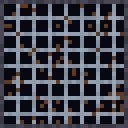 2. Metal Grate32×32 · PNG
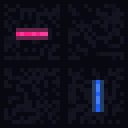 3. Neon Floor32×32 · PNG
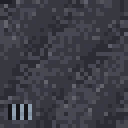 4. Alley Ground32×32 · PNG
 5. Rooftop Tile32×32 · PNG
- 6. Neon Sign Bar40×24 · PNG
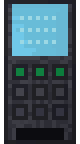 7. Vending Machine20×36 · PNG
 8. Dumpster24×18 · PNG
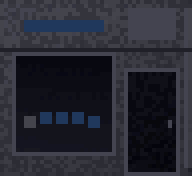 9. Tech Shop Front48×44 · PNG
 10. Data Kiosk20×32 · PNG
 11. Streetlight Neon12×32 · PNG
 12. Rain Puddle20×10 · PNG
 13. Hologram Ad24×32 · PNG
 14. Fire Barrel16×20 · PNG
 15. Graffiti Wall32×24 · PNG
 16. Pipe Bundle28×10 · PNG
 17. Electric Wire32×8 · PNG
 18. Steam Grate16×10 · PNG
 19. Data Chip10×8 · PNG
 20. Energy Drink8×14 · PNG
 21. Cyber Pistol16×10 · PNG
 22. Holo Phone10×14 · PNG
 23. Credit Chip10×6 · PNG
 24. Medkit Cyber14×12 · PNG
 25. Arcade Machine18×28 · PNG
 26. Cyber Bench24×14 · PNG
 27. Hacker24×24 · PNG
 28. Street Samurai24×24 · PNG
 29. Security Drone18×14 · PNG
- 30. Cyber Thug22×24 · PNG